

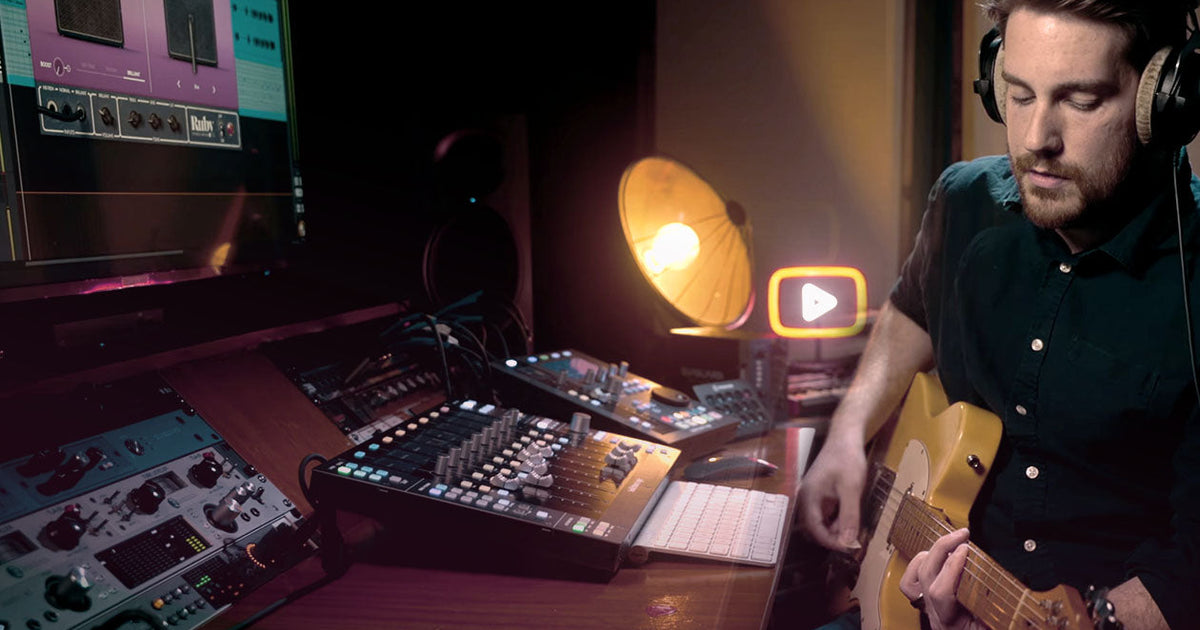

You don’t need to spend a fortune on a professional studio session. Today, the tools you need to get great sound are right on your computer.
Home recording used to mean compromise. Either you spent a fortune on studio time, or you settled for thin, lifeless guitar tracks that sounded nothing like your favorite records.
In this guide, we’ll walk you through everything you need to start recording electric guitar in your home studio. From the essential gear and methods to helpful tricks for great tone, you’ll learn it all.
In this video, we demonstrate how to get inspiring guitar tones using Volt, LUNA, and UAD plug-ins.
What You’ll Need to Get Started
Before you hit record, here’s what you’ll need:
An electric guitar and cable — any guitar works, this is about making do with the gear you already have.
An audio interface — this is the bridge between your guitar and your computer. We recommend a quality USB interface.
A digital audio workstation (DAW) — the software where you record, arrange, and mix.
Methods for Recording Guitar
Use an amp simulation
Direct recording is the easiest way to capture an electric guitar at home. It’s quiet, flexible, and easy to dial in. Here’s how to set up for recording with a Volt USB audio interface and Paradise Guitar Studio:
1. Plug your guitar into your audio interface. The Hi-Z input is designed to work with passive pickups found in most electric guitars.
2. Set your input gain. Turn up the input knob until your playing registers on the level meter. Aim for peaks around -12 dBFS to give your track headroom. If the clip light flashes red when you dig in hard, back off the input knob.
3. Open a session in your DAW. Create an audio track and set the correct input channel. Before arming the track for recording, enable Input Monitoring so you can hear yourself without latency.
4. Load your amp sim onto the track. Browse the amp models and presets in Paradise Guitar Studio to find one that suits the style you’re going for.
This setup gives you the benefits of using a real amp, without XLR cables, microphones, or a space where you can turn up to high volumes. Many pro session guitarists are leaning on these “in-the-box” rigs for the versatility they provide.
Mic your amp
Sometimes, nothing beats the sound of a real amp in a room. If you prefer to record electric guitar the traditional way, here’s how to get started using a basic USB audio interface:
1. Plug in your microphone with an XLR cable. Use the XLR input on your audio interface. Dynamic microphones don’t require phantom power. If you’re using a condenser mic, make sure to enable the 48V phantom power switch.
2. Find the sweet spot. Start by placing the mic about an inch off the grill cloth, just off the center of the speaker cone.
3. Set your amp volume for tone. Most tube amps sound best when they’re pushed hard enough for the power amp section to work.
4. Set recording levels carefully. Once you’re ready to record, bring up the input gain slowly on your audio interface. If you are recording a loud amp, it’s easy to overload the preamps.

You can get endless variations in tone by setting up a real amp and experimenting with different mic placements. Start by placing a dynamic microphone on the speaker cabinet positioned about an inch from the grille cloth. For bite and midrange, place the microphone toward the center of the speaker cone. For a warmer tone, move it closer to the edge where the cone meets the speaker.
Use a hybrid approach
Amp emulation pedals give you the benefits of using software plug-ins, with the tone and workflow of a real amp. Stompboxes like UAFX pedals pack classic guitar amps into a pedalboard-friendly format. You can use them alongside other effects on your pedalboard, and plug-in effects in your DAW.
To get started with this setup:
1. Plug an amp sim pedal into your audio interface. Connect your guitar to the pedal’s input, then run a cable from the pedal’s output directly into the Hi-Z input on your interface.
2. Dial in your core tone on the pedal. You can adjust the settings on your pedal just as you would a real amp.
3. Set your input gain in your DAW. Create an audio track, set the correct input channel, and bring up the input gain until peaks register around -12 dBFS.
4. Add effects in your DAW. You can still layer on reverb, delay, or compression. This gives you the hands-on feel of a live rig with the flexibility of in-the-box editing.

Using a combination of stompbox effects pedals and software plug-ins is ideal if you want the tactile experience of tweaking knobs on real hardware, without the noise and complexity of miking an amp.
Finishing Your Track
How to monitor your sound without latency
Latency is the tiny delay between playing a note and hearing it back in your monitors. Even a few milliseconds can throw off your timing and make recording feel unnatural.
The easiest fix for latency is using a quality USB audio interface like Volt, which gives you a Direct Monitoring button on the front panel. When you enable it, your guitar signal gets routed straight to your headphones or monitors. This means you hear yourself in real time, without delay, while your DAW captures the audio.

With Direct Monitoring enabled on Volt USB audio interfaces, your guitar signal goes straight to your headphones for a more natural playing feel. When enabled, this setting can give you more confident performances, with full tone of your amp sim ready on playback.
Using plug-ins to mix your final track
Once you’ve captured a solid take, it’s time to make it sound great. These are some effects you can use to give your recordings that album-quality sound:
EQ shapes your overall track. Try cutting below 100Hz to reduce rumble, notching out some low mids if your track sound boxy, or gently boosting in the highs for added presence. The Neve 1073 Preamp & EQ Collection is a solid choice for all of these tasks.
Compression levels out your dynamics. It’s especially effective on rhythm guitars, and can help lead lines cut through a busy arrangement. The UA 1176 Classic FET Compressor is a classic option for electric guitar.
Reverb adds space and dimension. A little goes a long way, but reverb can really open up a lead guitar track and make notes come alive. Pure Plate Reverb adds a smooth, natural ambience that works across almost any style.
“Don’t record too hot. Aim for peaks around -12 dBFS to give your track headroom.”
Key Takeaways
When recording direct, use the Hi-Z input. Plugging into a standard line input, instead of the dedicated Hi-Z, gives you a weak and lifeless signal. The Hi-Z input preserves the impedance of your pickups, which directly affects how your guitar feels and sounds through amp simulations.
Don’t record too hot. When recording, set your input gain so peaks hit around -12 to -18 dBFS. This gives you headroom, keeps the signal clean before processing, and prevents clipping when you add plug-ins later.
Choose the right amp for your style. Clean American-voiced tube amps are a great foundation for many genres. For classic rock tones of the ’60s and ’70s, British tube amps give you that signature growl. For modern tones, there’s no substitute for the crushing sound of a high-gain half stack.
— Austin Lyons
FAQ
Do I need an audio interface to record electric guitar at home?
Yes. An audio interface is the bridge between your guitar and your computer. Without one, your computer can’t handle a guitar signal, and you’ll end up with poor sound quality and significant latency issues.
Can I record electric guitar without a real amp?
Absolutely. Amp simulation plug-ins (or “amp sims”) allow you to plug your guitar directly into your audio interface and dial in realistic amp tones inside your computer. Many professional session guitarists now record this way exclusively.
What is the Hi-Z input on an audio interface and why does it matter for guitar?
Hi-Z (high impedance) is a dedicated input designed specifically for instruments like electric guitars. Plugging into a standard line input instead gives you a weak, thin signal. The Hi-Z input preserves your pickups’ natural impedance, which directly affects how your guitar sounds and responds through amp simulations.
How do I avoid latency when recording guitar at home?
Use the Direct Monitoring feature on your audio interface, if it has one. This routes your guitar signal straight to your headphones or monitors in real time, bypassing your computer entirely, so you hear yourself without any noticeable delay while your DAW records the audio.
UAD plug-ins and gear mentioned in this article:
Volt Audio Interfaces
Paradise Guitar Studio
UAFX Pedals
Apollo Audio Interfaces
Neve 1073 Preamp & EQ Collection
UA 1176 Classic FET Compressor
Pure Plate Reverb
LUNA DAW
Related Articles:
Recording Guitar Direct
Introducing Paradise Guitar Studio
How to Reamp in Your DAW
What Makes the UA 1176 Compressor So Good?
Learn Jimmy Page’s Secret Distortion Trick

