
Close Menu

    Subscribe to Updates

    Get the latest creative news from FooBar about art, design and business.

    What's Hot

    091Audio releases 091HPDoctor, a FREE precision high-pass filter plugin

    maio 15, 2026

    Darkstarz Technologies releases FREE DustBox lo-fi plugin for Windows

    maio 15, 2026

    Warmth releases Touched Lite, a FREE shoegaze-inspired multi-FX plugin

    maio 14, 2026
    Facebook X (Twitter) Instagram
    Facebook X (Twitter) Instagram Vimeo
    Producer Gang | Home of Producers
    • Home
    • Articles
    • Downloads
      • VST’s
    • Tutoriais
    • Plugins

      091Audio releases 091HPDoctor, a FREE precision high-pass filter plugin

      maio 15, 2026

      Darkstarz Technologies releases FREE DustBox lo-fi plugin for Windows

      maio 15, 2026

      Warmth releases Touched Lite, a FREE shoegaze-inspired multi-FX plugin

      maio 14, 2026

      Polarity releases Polarity-RES, a FREE resonator effect

      maio 14, 2026

      Get 87% off SSL Native Bus Compressor 2 at Plugin Boutique

      maio 14, 2026
    • News
      1. Plugins
      2. VST’s
      3. Hip-Hop
      4. Billboard
      5. View All

      091Audio releases 091HPDoctor, a FREE precision high-pass filter plugin

      maio 15, 2026

      Darkstarz Technologies releases FREE DustBox lo-fi plugin for Windows

      maio 15, 2026

      Warmth releases Touched Lite, a FREE shoegaze-inspired multi-FX plugin

      maio 14, 2026

      Polarity releases Polarity-RES, a FREE resonator effect

      maio 14, 2026

      Glitchmachines – Polygon v2.1.0 for Windows

      abril 23, 2025

      Toontrack – EZbass 1.3.0 Update for Windows

      abril 23, 2025

      deltarray – GigLad PC Arranger 4.0.2 for Windows

      abril 23, 2025

      Toontrack – Funk Fusion EBX (SOUNDBANK)

      abril 23, 2025

      Drake Snippet Leaks Before J. Cole’s ‘The Fall-Off’ Drops

      fevereiro 6, 2026

      J. Cole Releases His “Last” Album ‘The Fall Off’

      fevereiro 6, 2026

      GloRilla’s Sister Says She’s “Obligated” To Give Family $2,500 Each

      fevereiro 6, 2026

      Bad Bunny Reveals What To Expect For Super Bowl LX Halftime Show

      fevereiro 6, 2026

      Beyonce Cowboy Carter Tour July 4th in Washington, D.C.: Best Moments

      julho 5, 2025

      Morgan Wallen Notches 18th Country Airplay No. 1

      julho 5, 2025

      Best Moments in Cardiff, Wales

      julho 4, 2025

      Bad Bunny ‘NUEVAYol’ Pro-Immigrant Video Arrives on Fourth of July

      julho 4, 2025

      Native vs. DSP Plug-Ins – Universal Audio

      maio 13, 2026

      Best Guitar Amp Sims for 2026 – Universal Audio

      maio 13, 2026

      How to Record Electric Guitar at Home – Universal Audio

      maio 6, 2026

      Legendary Dumble Amp Tones in Your DAW – Universal Audio

      maio 6, 2026
    • Learn How to Sell Beats
    Producer Gang | Home of Producers
    • Home
    • Plugins
    • Hip-Hop
    • News
    • Learn How to Sell Beats
    Home»Articles»What Is An iLok And When Do I Need One?
    Articles

    What Is An iLok And When Do I Need One?

    Producer GangBy Producer Gangabril 23, 2025Nenhum comentário5 Mins Read
    Facebook Twitter Pinterest LinkedIn Tumblr WhatsApp VKontakte Email
    What Is An iLok And When Do I Need One?
    Share
    Facebook Twitter LinkedIn Pinterest Email


    Understanding authorizations, activations, and the truth about that little USB stick

    If you’ve just started working with Pro Tools, Auto-Tune, or other pro audio plugins, you’ve probably run into something called iLok — and maybe wondered:
    What is this thing? Do I need it? And why does everyone hate the dongle?

    You’re not alone.

    In this article, we’ll break down exactly what iLok is, why it exists, and which type of authorization is best for your setup — whether you’re working from a bedroom studio, a tour bus, or a professional control room.

    Ableton Live Intro vs. Pro Tools Intro: What’s the Difference?


    What Is an iLok?

    iLok is a licensing system created by PACE that lets software companies protect their plugins and digital audio software from piracy.

    If you use high-end tools like:

    …chances are, you’ll need iLok to authorize them.

    But here’s the twist: iLok is not just a USB stick.

    There are actually three types of iLok authorizations — and only one of them requires the dongle.


    The 3 Ways to Authorize with iLok

    ✅ 1. iLok Cloud

    The simplest and most modern option.

    • Authorizes your license through the internet

    • No physical device needed

    • Works on any computer you sign into with iLok License Manager

    • Must be connected to the internet while using it

    Best for:
    Home producers, laptop setups, mobile workflows (with Wi-Fi)

    Not great for:
    Offline studios, unstable internet connections


    ✅ 2. Computer Authorization (aka Machine Activation)

    The license is stored directly on your computer’s hard drive.

    • Doesn’t require internet once activated

    • No USB dongle needed

    • Tied to a specific machine (but can be transferred if needed)

    Best for:
    Single-machine setups, offline producers, stable workstations

    Not great for:
    People who jump between multiple computers


    ⭐️ Download my FREE Home Studio Setup Guide ⭐️ 


    ⚠️ 3. iLok USB Dongle

    The original iLok method — a physical USB stick that stores your licenses.

    • Works offline, no internet needed

    • Licenses stay on the key, so you can plug it into any computer

    • Solid for studios with multiple machines

    Drawbacks:

    Best for:
    Large studios, post-production houses, traveling engineers who need portable security


    Do I Need an iLok?

    Here’s the real answer:

    It depends on the software you’re using.
    Some plugins require iLok, and others don’t.

    Before you buy any plugin or DAW, check the license requirements. If it says “iLok required,” see which types it supports (Cloud, Computer, or USB).

    You only need the physical USB iLok if the software demands it.
    Most modern plugins now support Cloud or Machine Authorization — meaning you can skip the dongle entirely.
     

    ⭐️ Start by downloading all of my FREE Music Production Guides ⭐️ It took me years to learn this stuff!


    How Do I Get Started With iLok?

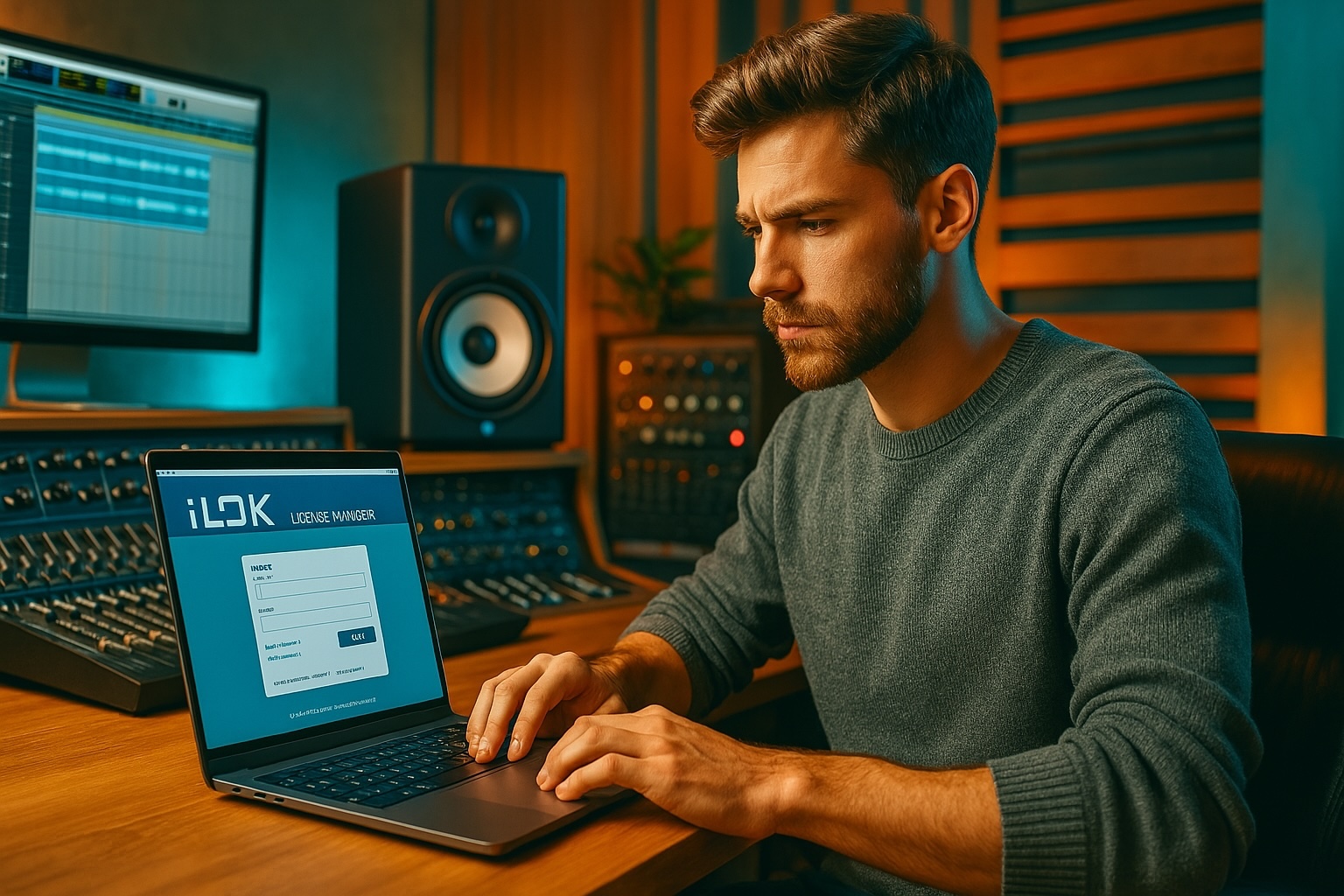
    1. Go to ilok.com and create a free iLok account

    2. Download the iLok License Manager app

    3. Sign in and view your available licenses

    4. Choose your activation type: Cloud, Computer, or USB

    If you bought a Pro Tools subscription, for example:

    • You’ll link your iLok account to Avid

    • Your Pro Tools license will appear in iLok License Manager

    • You choose where to activate it


    Pro Tip: Stick with iLok Cloud or Computer Authorization

    Unless you’re running a multi-room facility or need to move licenses across machines without internet access, there’s no need to buy the USB key.

    Less gear. Fewer risks. Same power.


    Final Thoughts: Is iLok Evil — Or Just Misunderstood?

    Yes, iLok has a rough reputation — especially from the early days when it was dongle-or-nothing. But in 2025, it’s flexible, reliable, and easy to manage once you understand how it works.

    I would rate it a 3/10 as It has definitely improved but …meh.

    iLok does just as good a job of making it difficult for people who paid for their software to access it as it does at  preventing unauthorized usage. And good luck contacting them if anything goes wrong…meh


    Here’s your quick iLok cheat sheet:


    Type Needs Internet Portable Best For
    Cloud ✅ Yes ✅ Laptop Simple home/mobile setups
    Computer ❌ No ✅ Laptop Offline or fixed workstations
    USB Dongle ❌ No ✅ Yes Studios, pros on the move


    🎛️ Want to skip all the confusion and just start producing?
    Grab my FREE guide 111 Music Production Terms


    ⭐️ Download my Free Magic Compressor Settings Guide ⭐️ 

    ⭐️ Download my Free 10 Characteristic of a Sound Wave Guide ⭐️


    #protools #daw #homestudio #recordingschool #recording #musicproduction 

    Also read: 

    9 Must-Know Beatmaking Techniques for Beginner Music Producers in 2025

    9 Must-Know Vocal Production Techniques for Beginner Music Producers in 2025

    9 Must-Know Music Production Techniques for Beginners and Home Studios in 2025

      

    Hey, I’m Futch – Music Production Coach and Ableton Certified Trainer

     

    Learn how to make your first song and beat in Ableton Live with my

    FREE 90-minute Ableton Live course


    I’ve been teaching audio engineering and music production for 35 years.⭐️ 

    Check out my new online music production program: Music Production Ninja…


    Source link

    Share. Facebook Twitter Pinterest LinkedIn Tumblr WhatsApp Email
    Previous ArticleHow Do Artists Make Money On Spotify?
    Next Article How to Make Your Music Tracks Fatter – Thickify Plugin Review (RPS)

    Related Posts

    Ableton Live Intro vs Standard vs Suite

    maio 14, 2026

    Classic Synths: Oberheim OB-X

    maio 12, 2026

    Music Production for Beatmakers, Electronic Musicians, and Musicians

    maio 10, 2026

    From a Music Fan to a Music Producer

    maio 7, 2026
    Demo
    Our Picks
    • Facebook
    • Twitter
    • Pinterest
    • Instagram
    • YouTube
    • Vimeo
    Don't Miss
    Plugins

    091Audio releases 091HPDoctor, a FREE precision high-pass filter plugin

    By Producer Gangmaio 15, 20260

    091Audio has released 091HPDoctor, a free precision high-pass filter plugin for macOS, Windows, and Linux.…

    Darkstarz Technologies releases FREE DustBox lo-fi plugin for Windows

    maio 15, 2026

    Warmth releases Touched Lite, a FREE shoegaze-inspired multi-FX plugin

    maio 14, 2026

    Polarity releases Polarity-RES, a FREE resonator effect

    maio 14, 2026

    Subscribe to Updates

    Get the latest creative news from SmartMag about art & design.

    Producer Gang | Home of Producers
    Facebook X (Twitter) Instagram Pinterest
    • Home
    • Plugins
    • Hip-Hop
    • News
    • Learn How to Sell Beats
    © 2026 Producer Gang. Designed by Audio Escola.

    Type above and press Enter to search. Press Esc to cancel.
