

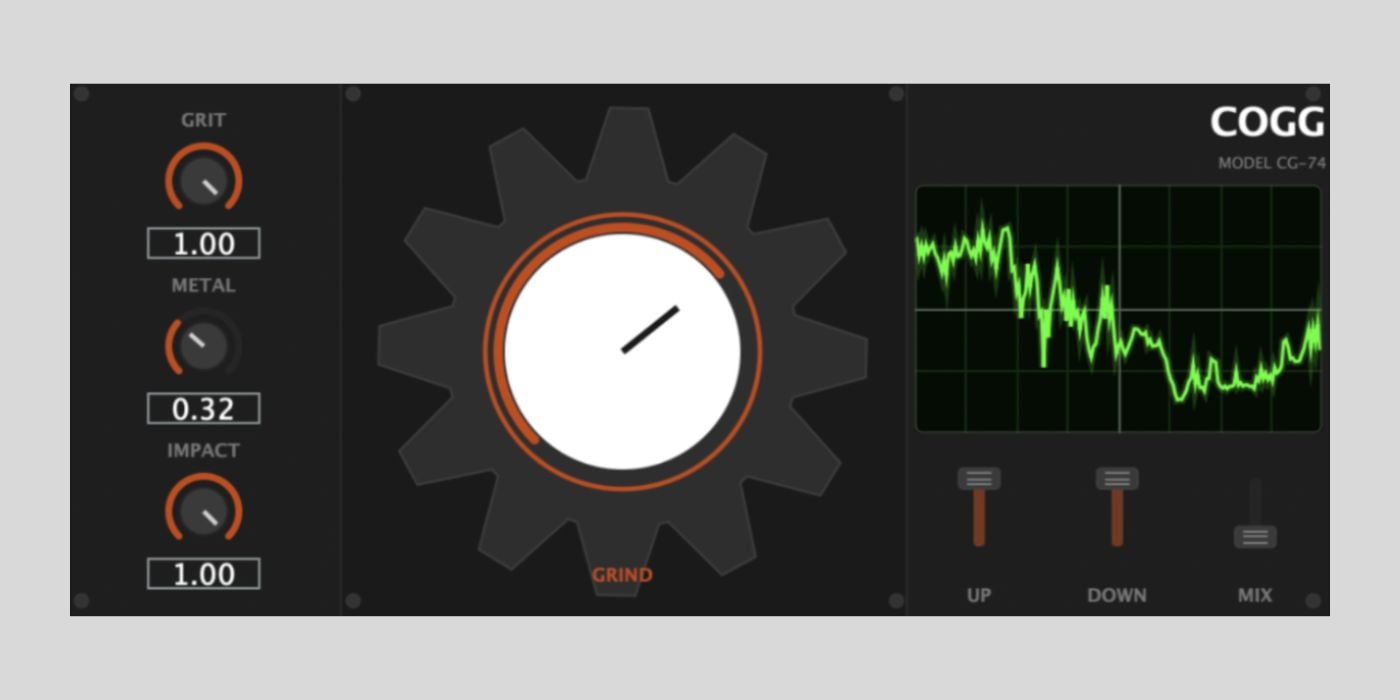

COGG is a free industrial destruction FX plugin for macOS and Windows released by the developer Plasmatic.
Plasmatic says COGG turns any sound into something industrial, and that’s a pretty fair description.
When we think of industrial sounds, they aren’t pretty sounds; they are unapologetically metallic, gritty, screeching, scraping, clunky, and none of that sounds very appealing.
But, as we all know, in the right context, the only way to make something sound better is to make it worse, and that’s where destructive plugins like COGG come in.
Sometimes we need to go a step further, or in some cases, keep stepping till your original sound is no longer recognizable.
COGG is a simple plugin that offers slight (well, kind of slight) corrosion to full-on destruction.
It does so through a chain of metallic processing.
The Impact control defines the initial hit; the more you push it, the more prominent the sharp, metallic impact is before decaying.
You can use the Grit control for harmonic excitement to add some industrial texture.
The Metal control is a convolution reverb built from a synthetic metal plate IR; it gives the sound space, but in a typically gloomy industrial way.
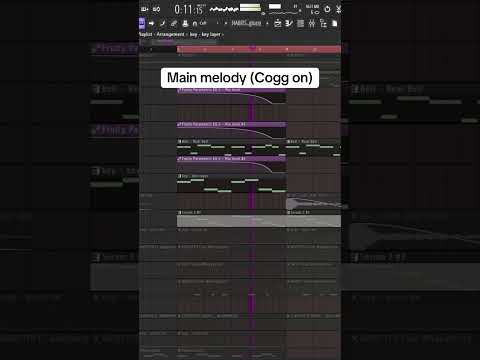
The main Grind cog is a macro that sets the intensity for the entire effect. Plasmatic talks about crushing drum loops and creating screamo metal vocals, and that’s probably two good ways to put COGG to work.
Personally, I like plugins like COGG on drum loops when you don’t go too far; just enough corrosion to get that really raw vibe.
And, my favorite use would be in cinematic sound design. Industrial sounds, in any cinematic sense, are intended to make the listener/viewer feel uncomfortable and tense, and COGG can turn a pristine synth pad into something absolutely horrible, in a good way.

I especially like the cinematic aspect of COGG, with the Up/Down pitch-shifting controls in play, which add a layer of dissonance.
COGG is available in AU and VST3 formats for macOS and Windows. The download process is straightforward, with no sign-up required.
However, check out the install instructions on the download page, and please report any issues with your OS or DAW.
More:
Last Updated on July 2, 2026 by Tomislav Zlatic.

