

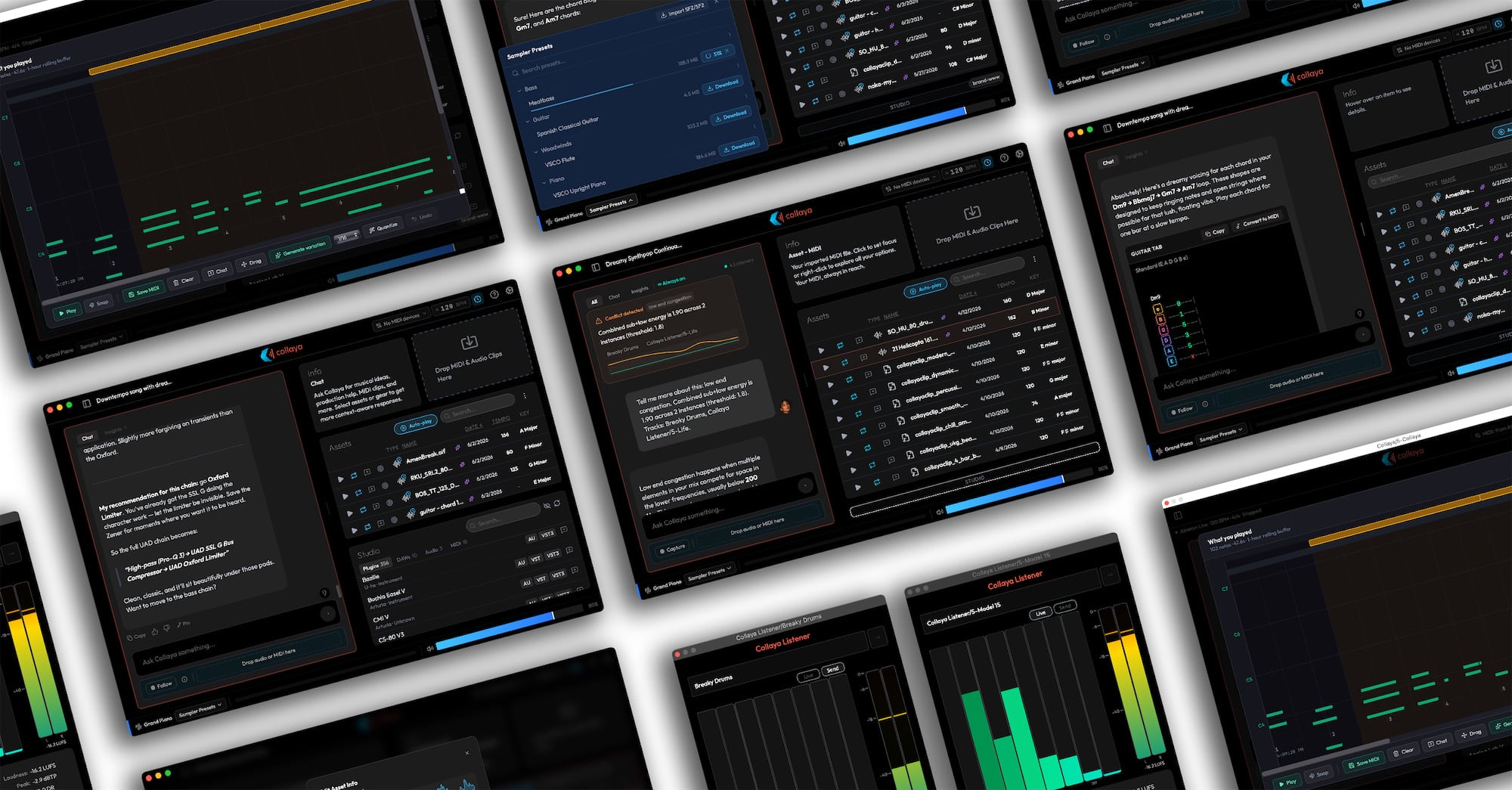

Collaya has launched a new co-producer plugin and standalone app for Apple Silicon Macs.
The idea behind Collaya is to bring an AI-assisted writing partner directly into the DAW, rather than sending musicians to a separate browser tab or a prompt-based music generator. It runs as an AU/VST3 plugin in supported Mac DAWs and is also available as a standalone macOS app.
Collaya reads the context of your project, including tempo, key, track layout, plugins, and other studio details, so its suggestions are tied to the session in front of you. You can ask for theory help, arrangement ideas, production advice, or patch and effects-chain suggestions that relate to the tools you actually use.
The MIDI side is one of the main attractions. CollayaClips generates MIDI patterns from your creative direction, with mood controls and a piano-roll preview before you drag anything into the DAW.
MIDI Follow mode listens to what you play, detects key, mode, and chords in real time, and keeps a rolling piano-roll buffer so you can revisit ideas or ask for variations.
Collaya also includes a Catalog and Sound Library system for organizing audio and MIDI files. It can analyze imported material for tempo, key, mood, genre, and energy, then let you search in more natural terms. Audio previews can sync to your DAW tempo, with pitch-preserving playback, Auto-Play, and Latch mode for auditioning sounds in context.
Another part of the system is Collaya Listener, a lightweight AU/VST3 plugin for mix feedback. You simply drop it on tracks or buses, and it can feed information like frequency masking, level competition, loudness, stereo width, and dynamic range back into Collaya as insight cards while you work.
Collaya is an assistant, not a replacement for the musician. MIDI clips export as standard .mid files, imported audio stays in its original format, and Collaya says it does not train on your material or share it. Cloud sync is available, but your ideas and libraries live on your machine by default.
Collaya starts with a 14-day full trial, no credit card required. After that, accounts move to a limited free tier. The Pro plan is $7.99/month or $79/year, while the limited Catalyst plan is a one-time $249 lifetime access option.
Collaya requires an Apple Silicon Mac and is available as AU/VST3 plugins and a standalone macOS app. The launch announcement lists macOS 14 or later, so check the current system requirements before installing.
Download: Collaya (FREE trial)
Last Updated on June 16, 2026 by Tomislav Zlatic.

