

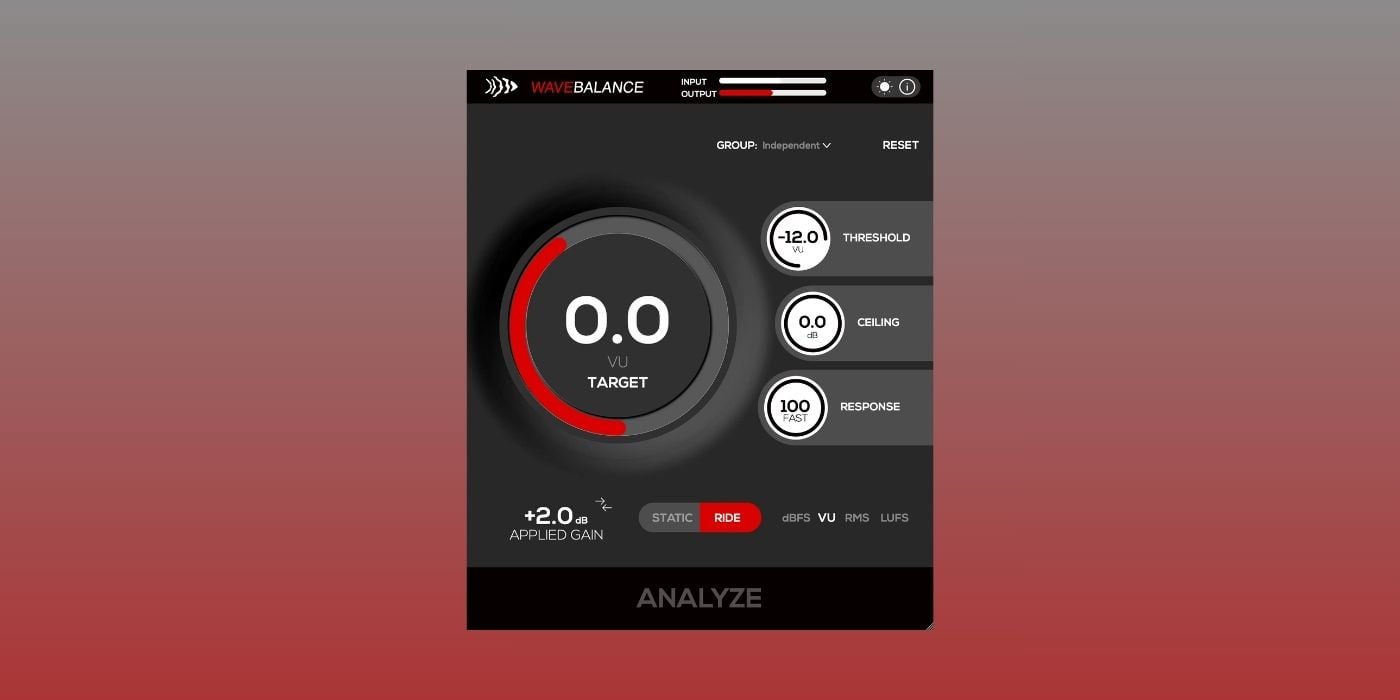

CodWaves has released WaveBalance, an auto gain staging plugin for macOS and Windows.
WaveBalance is designed to solve one of the most common mixing problems: inconsistent track levels before the rest of the processing chain.
You place WaveBalance early in the chain, usually as the first plugin, and it adjusts the incoming level so compressors, EQs, saturators, tape plugins, and analog-modeled processors receive a more predictable signal.
That can be useful in many scenarios, but especially when working with imported stems, live instruments, or projects where the starting levels are all over the place. Instead of manually trimming clip gain on every track, WaveBalance handles that operating-level correction in the background.
WaveBalance has two main workflows. Analyze & Hold analyzes the signal, applies a fixed gain correction, and then lets you continue mixing with that correction locked in place. This is a good fit for stems, loops, and static level matching when you just want to get everything into a reasonable range quickly.
Ride Mode continuously manages the operating level in real time. That makes more sense for dynamic sources like vocals, bass DI, acoustic instruments, or live recordings where the level changes throughout the performance.
The plugin supports several measurement modes, including dBFS, VU, RMS, LUFS-M, LUFS-S, and LUFS-I. That gives you room to choose between peak-focused gain staging, more musical average-level matching, or loudness-oriented workflows.
WaveBalance also includes built-in headroom protection with a look-ahead brick-wall safety limiter. In practice, this can help prevent clipping after the gain correction stage, and it can also tame occasional peaks before the signal hits the next processor.
The grouping system is another important feature. You can link multiple WaveBalance instances and control shared targets across several tracks. The latest 1.0.4 update adds an Analyze All button for grouped static tracks, Static/Ride linking across a group, and an applied-gain readout after analysis.
CodWaves has also been improving stability. It recently introduced fixes for Pro Tools multi-mono instantiation, plugin scanning crashes, rapid create-destroy issues in hosts like Reason and Adobe Audition, and crashes when reordering tracks inside a group.
The plugin includes light and dark interface themes, mono and stereo processing, and resizable controls. It is available for $9.99, with a 7-day trial available from the CodWaves website.
WaveBalance runs on macOS 10.13 or higher (Intel and Apple Silicon) and Windows 10 64-bit. It is available in VST3, AU, and AAX formats, with Ableton Live, FL Studio, Logic Pro, Bitwig, and Studio One listed as tested hosts.
Download: CodWaves WaveBalance ($9.99)
Last Updated on June 18, 2026 by Tomislav Zlatic.

