
Close Menu

    Subscribe to Updates

    Get the latest creative news from FooBar about art, design and business.

    What's Hot

    A Studio Rundown with Apollo Artist Ryan Spraker – Universal Audio

    setembro 28, 2026

    Run native VST2 plugins on first-generation Akai MPC/Force standalone units

    setembro 28, 2026

    We Rebuilt 17 Famous Bassline Patterns. Here Is What We Learned

    setembro 28, 2026
    Facebook X (Twitter) Instagram
    Facebook X (Twitter) Instagram Vimeo
    Producer Gang | Home of Producers
    • Home
    • Articles
    • Downloads
      • VST’s
    • Tutoriais
    • Plugins

      Run native VST2 plugins on first-generation Akai MPC/Force standalone units

      setembro 28, 2026

      WET VST releases WetChorus, a FREE open-source BBD chorus plugin

      setembro 28, 2026

      Wave Emulation recreates the Waldorf Wave as a FREE open-source plugin

      setembro 28, 2026

      Monomodule is a FREE Elektron Monomachine emulator for your DAW

      setembro 28, 2026

      11 UJAM instruments drop to $9 each in epic No Brainer Deals sale

      setembro 28, 2026
    • News
      1. Plugins
      2. VST’s
      3. Hip-Hop
      4. Billboard
      5. View All

      Run native VST2 plugins on first-generation Akai MPC/Force standalone units

      setembro 28, 2026

      WET VST releases WetChorus, a FREE open-source BBD chorus plugin

      setembro 28, 2026

      Wave Emulation recreates the Waldorf Wave as a FREE open-source plugin

      setembro 28, 2026

      Monomodule is a FREE Elektron Monomachine emulator for your DAW

      setembro 28, 2026

      Glitchmachines – Polygon v2.1.0 for Windows

      abril 23, 2025

      Toontrack – EZbass 1.3.0 Update for Windows

      abril 23, 2025

      deltarray – GigLad PC Arranger 4.0.2 for Windows

      abril 23, 2025

      Toontrack – Funk Fusion EBX (SOUNDBANK)

      abril 23, 2025

      Drake Snippet Leaks Before J. Cole’s ‘The Fall-Off’ Drops

      fevereiro 6, 2026

      J. Cole Releases His “Last” Album ‘The Fall Off’

      fevereiro 6, 2026

      GloRilla’s Sister Says She’s “Obligated” To Give Family $2,500 Each

      fevereiro 6, 2026

      Bad Bunny Reveals What To Expect For Super Bowl LX Halftime Show

      fevereiro 6, 2026

      Beyonce Cowboy Carter Tour July 4th in Washington, D.C.: Best Moments

      julho 5, 2025

      Morgan Wallen Notches 18th Country Airplay No. 1

      julho 5, 2025

      Best Moments in Cardiff, Wales

      julho 4, 2025

      Bad Bunny ‘NUEVAYol’ Pro-Immigrant Video Arrives on Fourth of July

      julho 4, 2025

      A Studio Rundown with Apollo Artist Ryan Spraker – Universal Audio

      setembro 28, 2026

      How to Record Vocals with UAD Plug-Ins and Apollo Interfaces – Universal Audio

      setembro 25, 2026

      Say Hello to LUNA 3.0 – Universal Audio

      setembro 18, 2026

      Everything You Need to Make Hit Records – Universal Audio

      setembro 15, 2026
    • Learn How to Sell Beats
    Producer Gang | Home of Producers
    • Home
    • Plugins
    • Hip-Hop
    • News
    • Learn How to Sell Beats
    Home»Articles»Essential Home Studio Gear for Musicians
    Articles

    Essential Home Studio Gear for Musicians

    Producer GangBy Producer Gangabril 23, 2025Nenhum comentário5 Mins Read
    Facebook Twitter Pinterest LinkedIn Tumblr WhatsApp VKontakte Email
    Essential Home Studio Gear for Musicians
    Share
    Facebook Twitter LinkedIn Pinterest Email


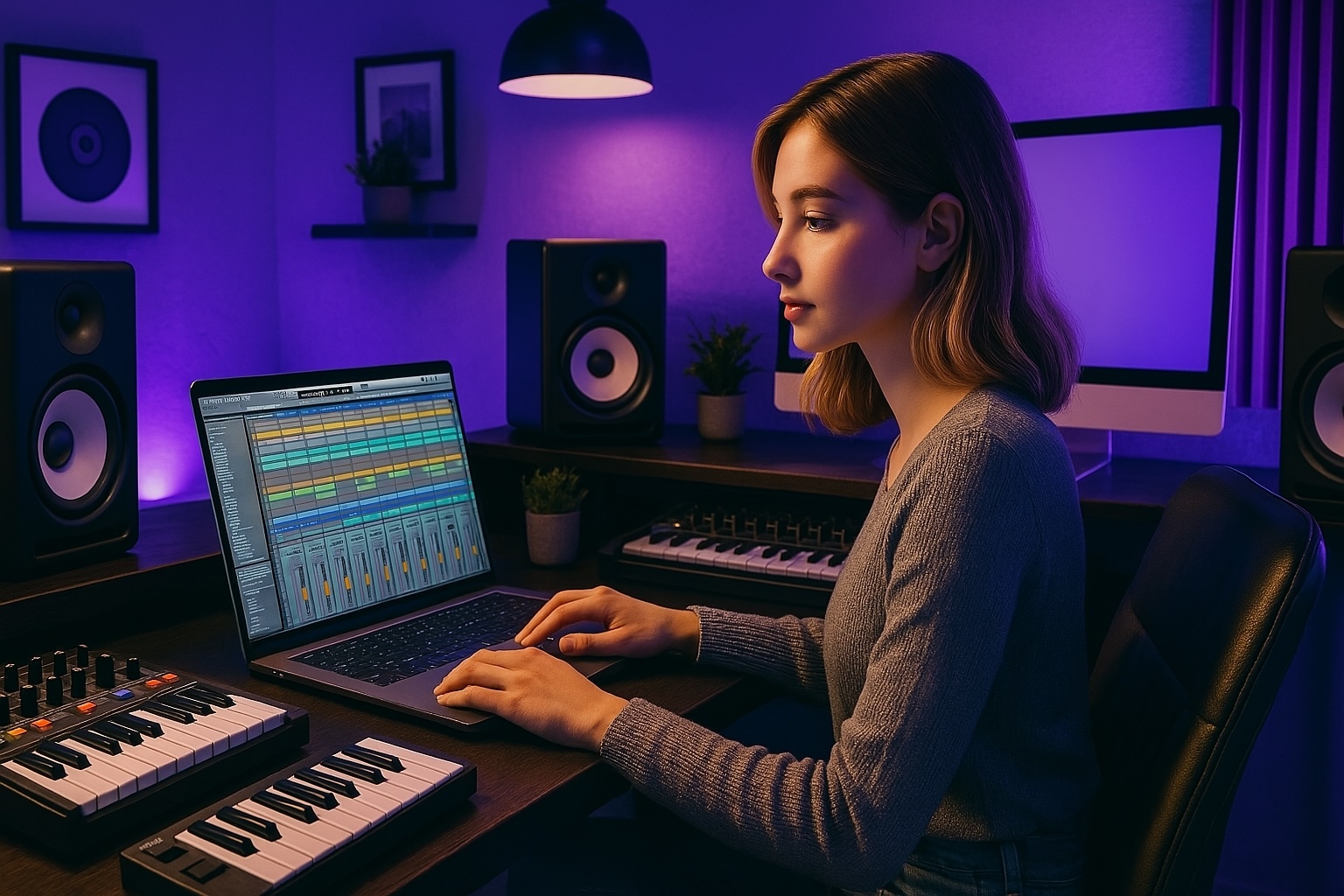
    You’ve got songs in your head, rhythms in your chest, and maybe a few voice memos stacked up on your phone. You’re ready to build your home studio and bring your music to life — but where do you start?

    Don’t worry. You don’t need racks of vintage gear or a closet full of cables. You just need a few key tools that work together to turn ideas into records.

    In this article, we’ll walk you through the essential home studio gear for musicians — no fluff, no filler, just the real tools you need to record, produce, and mix your own music at home.

    $500 Home Studio vs $5000 Home Studio: What’s the Difference?


    Step 1: The Brain – Your Computer

    This is where it all happens. Your computer is the central nervous system of your home studio.

    ✅ Mac or PC? Doesn’t matter — just make sure it’s reliable, fast enough to run your DAW, and has room for plugins, samples, and projects.
    ✅ Recommended Specs: At least 8GB RAM, SSD storage, and a decent processor (Intel i5/M1 or better).
    ✅ Bonus Tip: Close all unnecessary apps while producing — save your CPU for the music.


    Step 2: The Software – Your DAW

    The Digital Audio Workstation (DAW) is your creative playground. It’s where you record vocals, build beats, arrange songs, and mix everything into a final version.

    Popular DAWs:

    • Ableton Live – Great for electronic, hip-hop, and live performance

    • Logic Pro – Smooth for Mac users, strong MIDI tools

    • Pro Tools – Industry standard for recording, editing, and mixing

    • FL Studio – Loved by beatmakers and producers

    • Reaper – Powerful and affordable

    Pick one. Learn it. Stick with it.

    Best Free DAWs in 2025: Make Music Without Breaking the Bank


    ⭐️ Start by downloading all of my FREE Music Production Guides ⭐️ It took me years to learn this stuff!


    Step 3: The Ears – Headphones or Monitors

    You need something to hear your mix clearly.

    🎧 Closed-Back Headphones – Great for recording vocals (no bleed) and mixing in untreated rooms
    🔊 Studio Monitors – Flat response, perfect for mixing in a treated space

    Recommended gear:

    • Headphones: Audio-Technica ATH-M50x, Beyerdynamic DT 770

    • Monitors: KRK Rokit 5, Yamaha HS5, Kali LP-6

    Start with headphones if you’re on a budget. You can always add monitors later.


    Step 4: The Mic – Capturing Your Voice or Instruments

    Want to record vocals, acoustic guitar, or random sounds around the house? You’ll need a good microphone.

    🎙️ Best Starting Point: A condenser mic with a cardioid pattern

    Recommended options:

    Don’t forget a pop filter, mic stand, and a quiet room to record in. That’s 80% of the battle right there.
     

     ⭐️ Take my Free EXPERIENCE: Ableton Live Mini-Course ⭐️ 


    Step 5: The Connection – Audio Interface

    Your audio interface connects your mic, headphones, and instruments to your computer. It converts analog sounds into digital audio you can work with.

    Recommended beginner interfaces:

    • Focusrite Scarlett 2i2

    • Universal Audio Volt 2

    • PreSonus AudioBox USB

    • Audient EVO 4

    Look for 2 inputs, phantom power, and a headphone output — that’s all you really need to get started.


    Step 6: The Extras – Cables, Stands, and More

    Here’s the small stuff that makes your setup actually work:

    • XLR Cable – For your microphone

    • Mic Stand – Boom stands are more flexible

    • MIDI Controller – Optional, but useful for playing virtual instruments

    • Acoustic Treatment – Some foam panels, bass traps, or even blankets can make a difference

    • Hard Drive or Cloud Backup – Always back up your sessions!

    Soundproofing 101: Affordable Solutions for a Quiet Home Studio


    Bonus: Keep It Minimal, Keep It Moving

    You don’t need 100 plugins.
    You don’t need five microphones.
    You don’t need a rack of synths (yet).

    You need:

    Focus on workflow, not gear envy. Great music comes from consistency and clarity — not from having every piece of gear on the market.


    🎛️ Want to set up your home studio the right way?
    Grab my FREE Home Studio Setup Guide — with recommended gear, budget breakdowns, and step-by-step instructions for building your first setup.


    ⭐️ Download my Free Magic Compressor Settings Guide ⭐️ 

    ⭐️ Download my Free 10 Characteristic of a Sound Wave Guide ⭐️


    #protools #daw #homestudio #recordingschool #recording #musicproduction 

    Also read: 

    9 Must-Know Beatmaking Techniques for Beginner Music Producers in 2025

    9 Must-Know Vocal Production Techniques for Beginner Music Producers in 2025

    9 Must-Know Music Production Techniques for Beginners and Home Studios in 2025

      

    Hey, I’m Futch – Music Production Coach and Ableton Certified Trainer

     

    Learn how to make your first song and beat in Ableton Live with my

    FREE 90-minute Ableton Live course


    I’ve been teaching audio engineering and music production for 35 years.⭐️ 

    Check out my new online music production program: Music Production Ninja…


    Source link

    Share. Facebook Twitter Pinterest LinkedIn Tumblr WhatsApp Email
    Previous ArticleGhost Production: The End All Be All Guide
    Next Article Essential Mixing Techniques & Ideas for Music Production

    Related Posts

    UAD vs. Plugin Alliance vs. Softube

    setembro 26, 2026

    10 Song Arrangement Tips for Songwriters and Beatmakers

    setembro 24, 2026

    Can I Mix Music Professionally on my Laptop with Headphones?

    setembro 22, 2026

    How Attack and Release Time Works

    setembro 19, 2026
    Demo
    Our Picks
    • Facebook
    • Twitter
    • Pinterest
    • Instagram
    • YouTube
    • Vimeo
    Don't Miss
    News

    A Studio Rundown with Apollo Artist Ryan Spraker – Universal Audio

    By Producer Gangsetembro 28, 20260

    The LA producer with credits including Roe Kapara and Arkells showcases his favorite Apollo workflows.…

    Run native VST2 plugins on first-generation Akai MPC/Force standalone units

    setembro 28, 2026

    We Rebuilt 17 Famous Bassline Patterns. Here Is What We Learned

    setembro 28, 2026

    WET VST releases WetChorus, a FREE open-source BBD chorus plugin

    setembro 28, 2026

    Subscribe to Updates

    Get the latest creative news from SmartMag about art & design.

    Producer Gang | Home of Producers
    Facebook X (Twitter) Instagram Pinterest
    • Home
    • Plugins
    • Hip-Hop
    • News
    • Learn How to Sell Beats
    © 2026 Producer Gang. Designed by Audio Escola.

    Type above and press Enter to search. Press Esc to cancel.
