

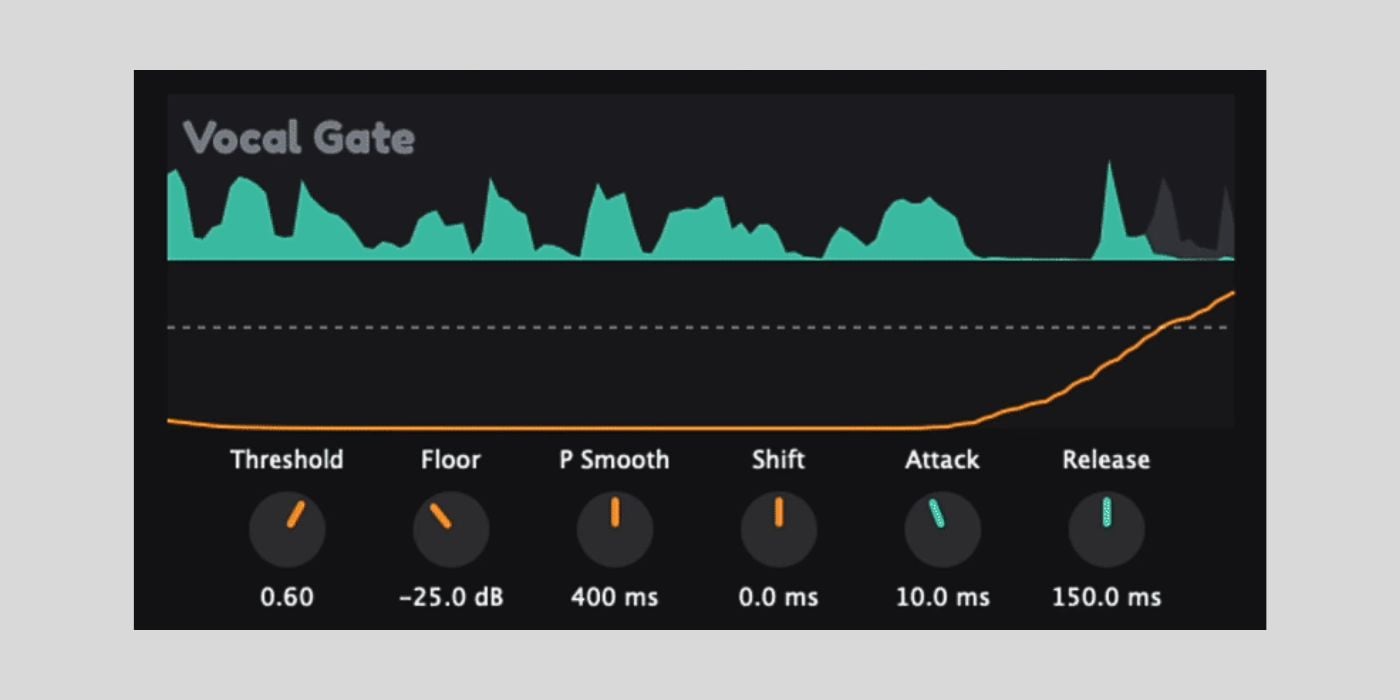

Vocal Gate is a free, open-source AI noise gate plugin that separates clean speech from unwanted microphone artifacts like coughs, sneezes, keyboard clicks, and heavy breathing. It’s available for macOS, Windows, and Linux.
The concept reminds me a little of Goyo Voice Separator, which was free for a limited time a few years ago. Goyo let you tweak the levels of voice, ambience, and reverb individually, giving you more control over the separation.
Vocal Gate is kinda similar, but it takes a simpler approach. It works more like an enhanced gate, trained specifically to recognize speech and duck everything else.
That makes it useful for podcasts, voiceovers, and live streams where you just need the vocal clean and the rest gone.
Developer Dan K built the plugin using JUCE and C++, with AI assistance for the coding side.
The machine learning pipeline is where the real work happened, though. The model was trained on the LibriSpeech library with data augmentation (random volume gain, layering vocals and artifacts at different ratios) so it learns to distinguish speech from noise it has never heard before.
According to Dan, the plugin requires a 750 ms lookahead, which is fine for offline editing (video editors, DAW bouncing) but requires some setup for live use.
If you’re streaming through OBS or Streamlabs, you’ll need to delay your visual sources and desktop audio by 750 ms to keep everything in sync. The GitHub page has detailed instructions for setting that up.
And although the plugin was mainly used for cleaning up speech, I think this could also be handy if you’ve recorded something on a phone mic or in less-than-ideal conditions and need to clean it up quickly before using it in a music project.
But it will probably mute your screamo vocals!
Vocal Gate works in broadcasting software (OBS Studio, Streamlabs, vMix), video editors (DaVinci Resolve, Premiere Pro, Final Cut Pro), and DAWs (Reaper, Logic Pro, FL Studio, Ableton Live, Audacity). It supports offline rendering for bouncing tracks.
The installers are unsigned, so on macOS you’ll need to right-click and select Open, and on Windows you’ll need to click “More info” and “Run anyway.”
Vocal Gate requires macOS 11 or later (Apple Silicon), Windows 10 or later (x64), or Linux (Ubuntu 22.04+, x64). It’s available in VST3 format on all platforms, with AU also available on macOS.
Download: Vocal Gate by DanK (FREE)
Deal of the day 🔥: Get 90% OFF Ripple Phaser by Minimal Audio!
More:
Last Updated on April 2, 2026 by Tomislav Zlatic.

