

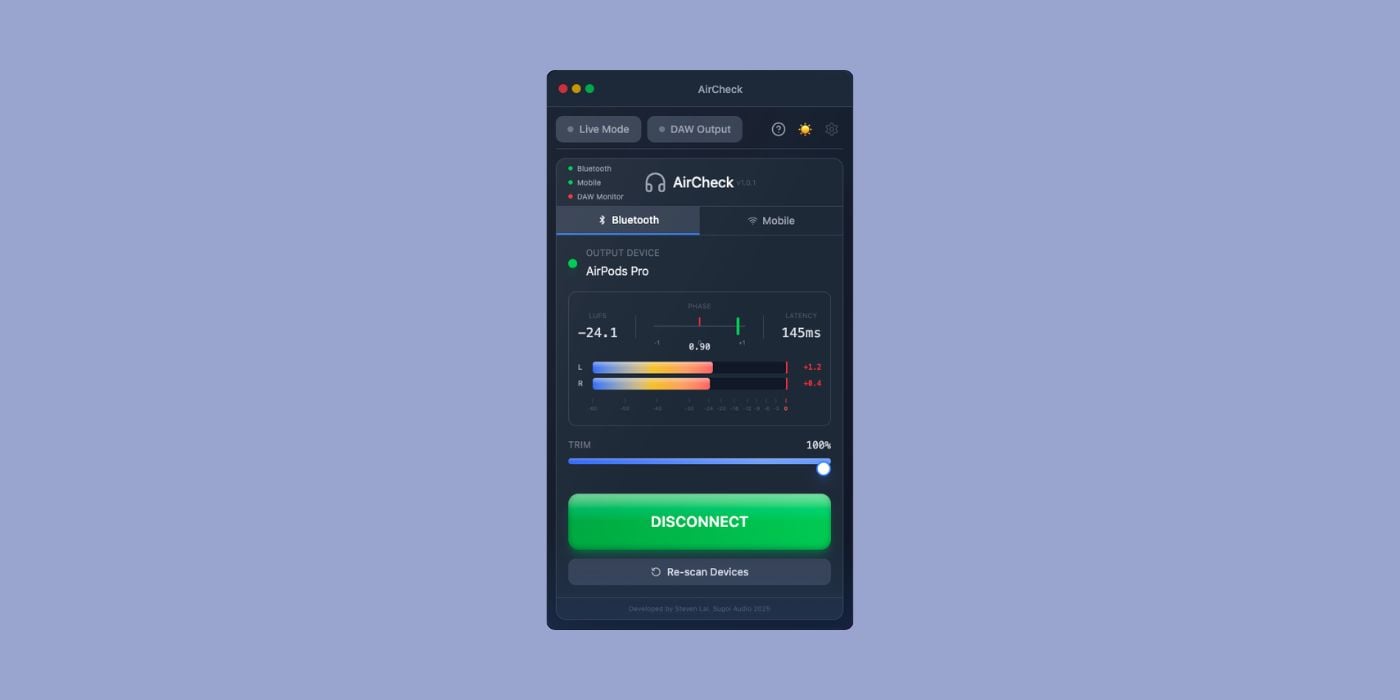

Developer Sugoi Audio has released AirCheck, a utility plugin for routing your DAW’s audio to AirPods and other devices without changing your DAW settings, along with BlindCard, a free blind A/B testing plugin.
BPB readers can get 20% off AirCheck with the coupon code bpb20 at checkout, valid until April 5th, 2026.
AirCheck
I’ve been there hundreds of times. A mix sounds fantastic on my monitors, so I export the mixdown to take a listen on my AirPods. I transfer the audio to the phone, press play, and can’t believe how bad it sounds.
AirCheck won’t fix a crappy mix, but it simplifies the whole “transfer to AirPods” process.
Checking how a mix translates to AirPods or phone speakers usually means switching your DAW’s output device (and then switching back later) or bouncing to MP3 and playing it separately.
Obviously, both approaches break the workflow, but since AirPods are among the most widely used headphones today, getting the mix to sound good on them is what really matters.
Here’s how it works.
AirCheck routes audio from your master bus directly to AirPods, Bluetooth headphones, or any output device without touching your DAW’s audio preferences. Your audio interface stays connected, and when the plugin is active, the DAW’s main monitor output is muted to prevent double monitoring.
You can also re-enable the DAW output to play audio through the speakers at the same time.
The recent version 1.0.1 adds Mobile Streaming, which generates a QR code that anyone on the same Wi-Fi network can scan to hear your mix in a browser. This doesn’t require the app, and the feature works with iOS Safari and Android Chrome.
Up to eight devices can connect simultaneously, with approximately 300ms latency over LAN. The mobile player includes playback controls and a timestamped note-taking function to let you mark sections to revisit later.
The plugin also includes a built-in metering panel with L/R peak meters, phase correlation, and short-term LUFS measurement. That’s a pretty cool bonus to have if AirCheck is already on your master channel.
Live Mode reduces total latency from approximately 100–120ms down to around 80–100ms, though the developer cautions it can cause audio instability depending on system load. AirCheck bypasses automatically during export, so your bounces are unaffected.
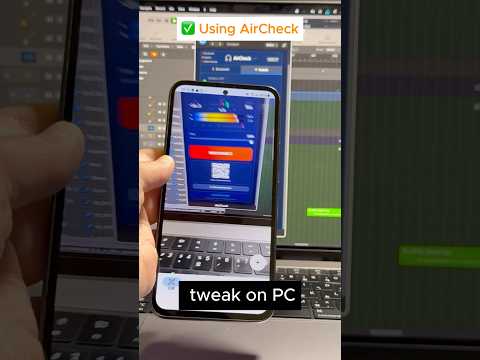
The free trial inserts a one-second burst of white noise every 30 seconds of playback. The full version is a one-time purchase at $14.99.
Once again, BPB readers get 20% off with the coupon code bpb20 at checkout until April 5th, 2026.
BlindCard
BlindCard is another utility from the same developer, and it’s free.
It’s a poker-themed blind A/B testing plugin that randomizes and hides track identities so you can compare up to eight tracks by ear without knowing which is which.
Three testing modes are available: Star rating, Guess mode, and Q&A quiz.
Automatic LUFS loudness matching keeps volume levels consistent across tracks for a fair comparison.
Download
BlindCard is open source (AGPL-3.0) and available as AU, VST3, and Standalone.
AirCheck is available in AU and VST3 formats for macOS 10.15 or later, and as VST3 for Windows 10 or later. BlindCard supports macOS and Windows in AU, VST3, and Standalone formats. Pro Tools (AAX) is not yet supported for AirCheck.
More info: AirCheck ($14.99 / Free Trial) / BlindCard (FREE)
Last Updated on March 4, 2026 by Tomislav Zlatic.

