

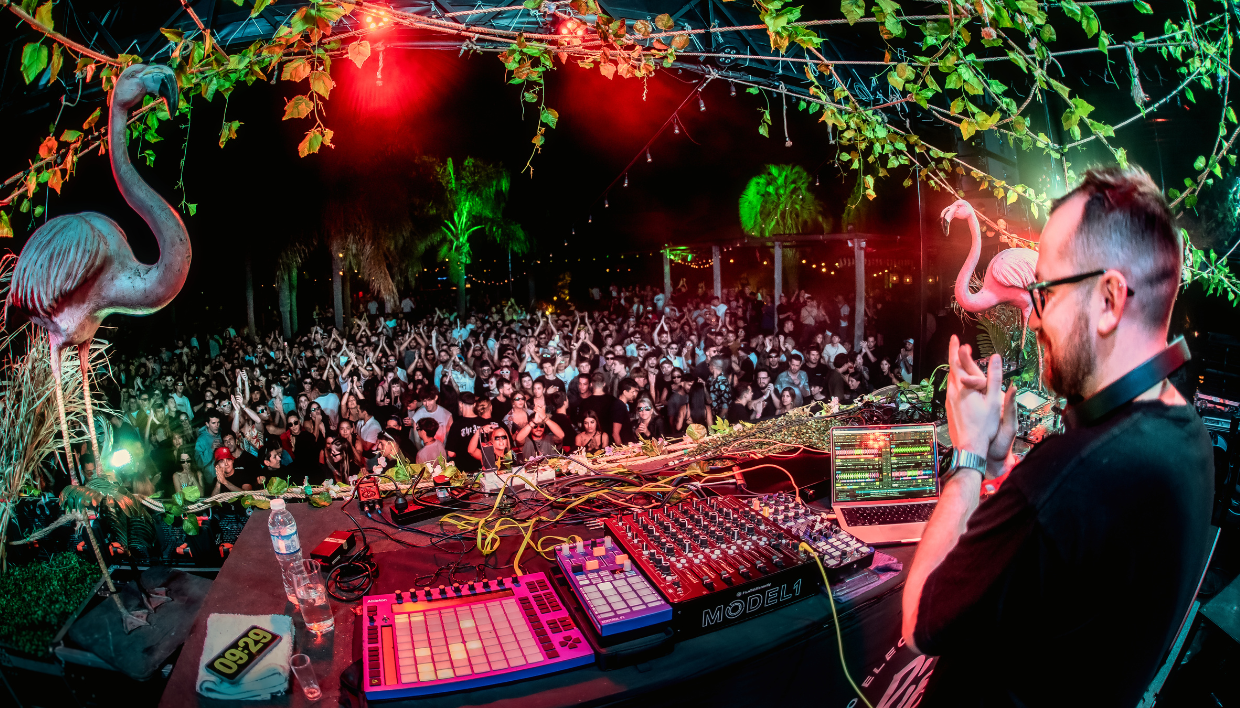

That thing was a bit clunky. Since you couldn’t change loop lengths, it had to have its own power supply, loads of cabling, and on top of that, you couldn’t move start points after capturing. So if I grabbed something slightly off, it would come out a little out of time. Honestly, that was sometimes cool. But those limitations are what pushed me to remap my F1.
Basically, the pads are split up for different purposes. Many of them are dedicated to capturing samples from whatever’s playing, and then I can play those back out through Traktor on a different channel. Some pads let me nudge the start point of a captured loop forward or backward, while others let me adjust the loop length after it’s been recorded.
The rest of the pads trigger parameters in Ableton Live, such as freezing delays or reverbs.
The top faders are mapped as volume faders inside Ableton. A few of them control return channels for reverbs and delays for audio from the Model 1. Others control stem volumes directly within Ableton. Then, finally, the top four rotary knobs are mapped to pitch controls and a backup drum rack, just in case my TR-8S fails or something. It’s definitely a custom setup, but it works perfectly for the way I like to play.
Pro tip from Iglesias: It’s tempting to map everything under the sun, but too much can get confusing fast. Keep your mapping lean and intentional so you can stay focused on performing, not remembering what button does what

