

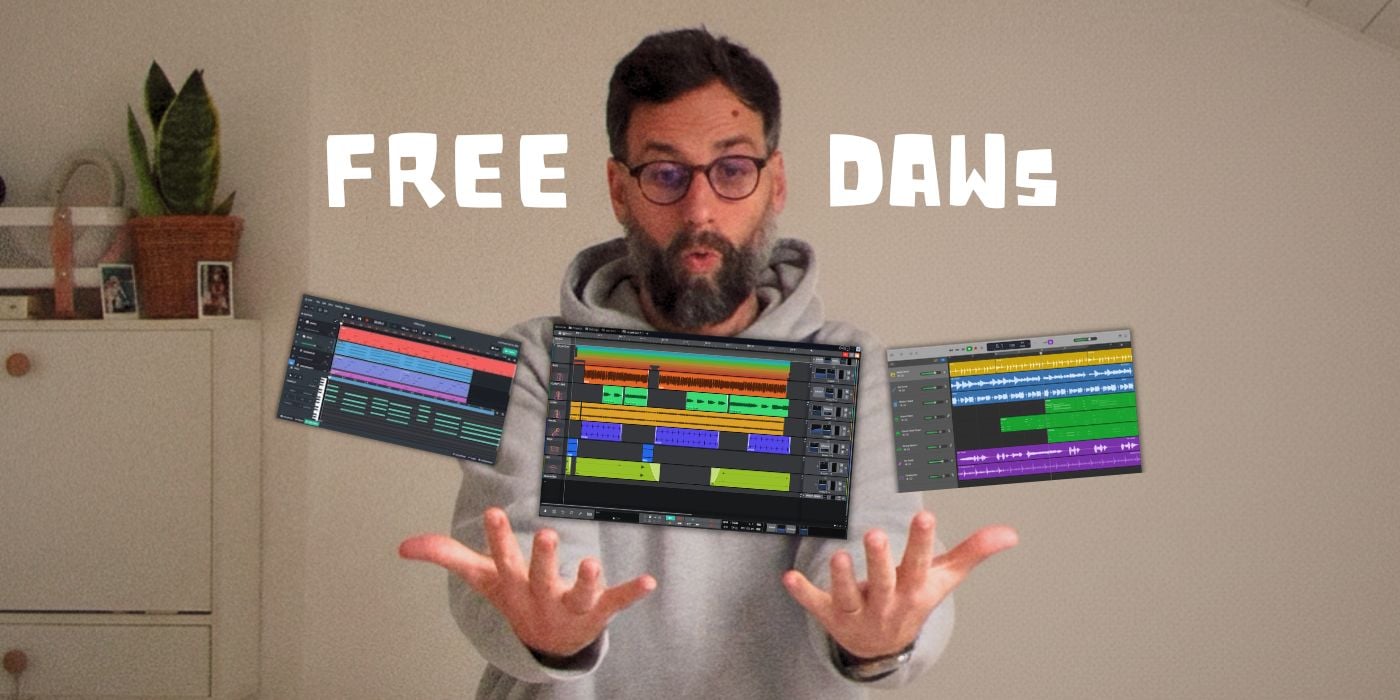

It’s 2026, and free DAWs are better than ever. So I spent last week testing four of them to see which one I’d actually use for real projects.
One clearly stood out.
Waveform Free is my top pick for anyone who wants a real, full-featured DAW without spending money.
Here’s why it beat the competition.
What I Tested
I put four of the strongest free DAWs through the same workflow: recording audio, programming MIDI, loading third-party plugins, mixing a simple track, and exporting.
I also checked for deal-breakers like track limits, offline functionality, and platform support.
The contenders:
- Waveform Free (Windows, macOS, Linux)
- Cakewalk Sonar (Windows only)
- GarageBand (Mac only)
- BandLab (Browser-based)
All four are good. But Waveform Free won on flexibility.
Why Waveform Free Wins
No track limits.
It feels like a paid DAW, not a “lite” version. Unlike Pro Tools Intro (capped at 8 audio tracks) or Ableton Live Lite (8 total), Waveform Free lets you build full arrangements without hitting a wall. This matters more than you’d think. Nothing kills momentum like realizing you need to bounce tracks just to add one more part.
It’s cross-platform.
Waveform Free runs on Windows, macOS, and Linux. Cakewalk Sonar is excellent, but Windows-only. GarageBand is a great starting point, but Mac-only. If you switch computers or collaborate with people on different systems, Waveform Free simply works.
Full plugin support.
It supports VST2, VST3, and AU (on Mac). You can use all those free plugins you’ve been collecting. BandLab doesn’t support third-party plugins at all, which quickly becomes limiting.
It works offline.
Unlike browser-based options, you’re not dependent on an internet connection. Your sessions will load and save just fine even if you’re not on WiFi.
It’s not perfect, though.
Waveform’s interface takes some adjustment. It doesn’t follow the traditional “mixer on the bottom, timeline on top” layout that most DAWs use.
Give it a week, and it clicks. But those first few sessions will feel unfamiliar.
The Close Second: Cakewalk Sonar
If you’re on Windows and don’t need cross-platform compatibility, Cakewalk Sonar is arguably just as capable. You get unlimited tracks, full VST support, and a traditional interface that feels more familiar.
However, there’s a catch. It’s Windows-only and requires a BandLab account to activate. Neither is a dealbreaker, but Waveform Free’s platform flexibility gives it the edge in my book.
Quick Comparison
The Bottom Line
For a free DAW that doesn’t compromise on essential features like track count, plugin support, and cross-platform use, Waveform Free is the one to download.
The interface learning curve is real, but it’s a small price for free software that competes with paid options. I’ve used it for full projects on my M1 MacBook Air, not just demos, and I still use it while traveling.
If you’re on Windows and prefer a traditional DAW layout, Cakewalk Sonar is the alternative. Mac beginners should still start with GarageBand. It’s already on your computer, and the built-in sounds are excellent.
But for the best overall free DAW in 2026? I recommend Waveform Free all the way. It’s the closest thing to a “real” pro DAW you can get for $0.
Want the full breakdown? See my complete Best Free DAWs guide for all 10 options, including hardware-bundled DAWs like Ableton Live Lite and Cubase LE.
Last Updated on February 12, 2026 by Tomislav Zlatic.

