

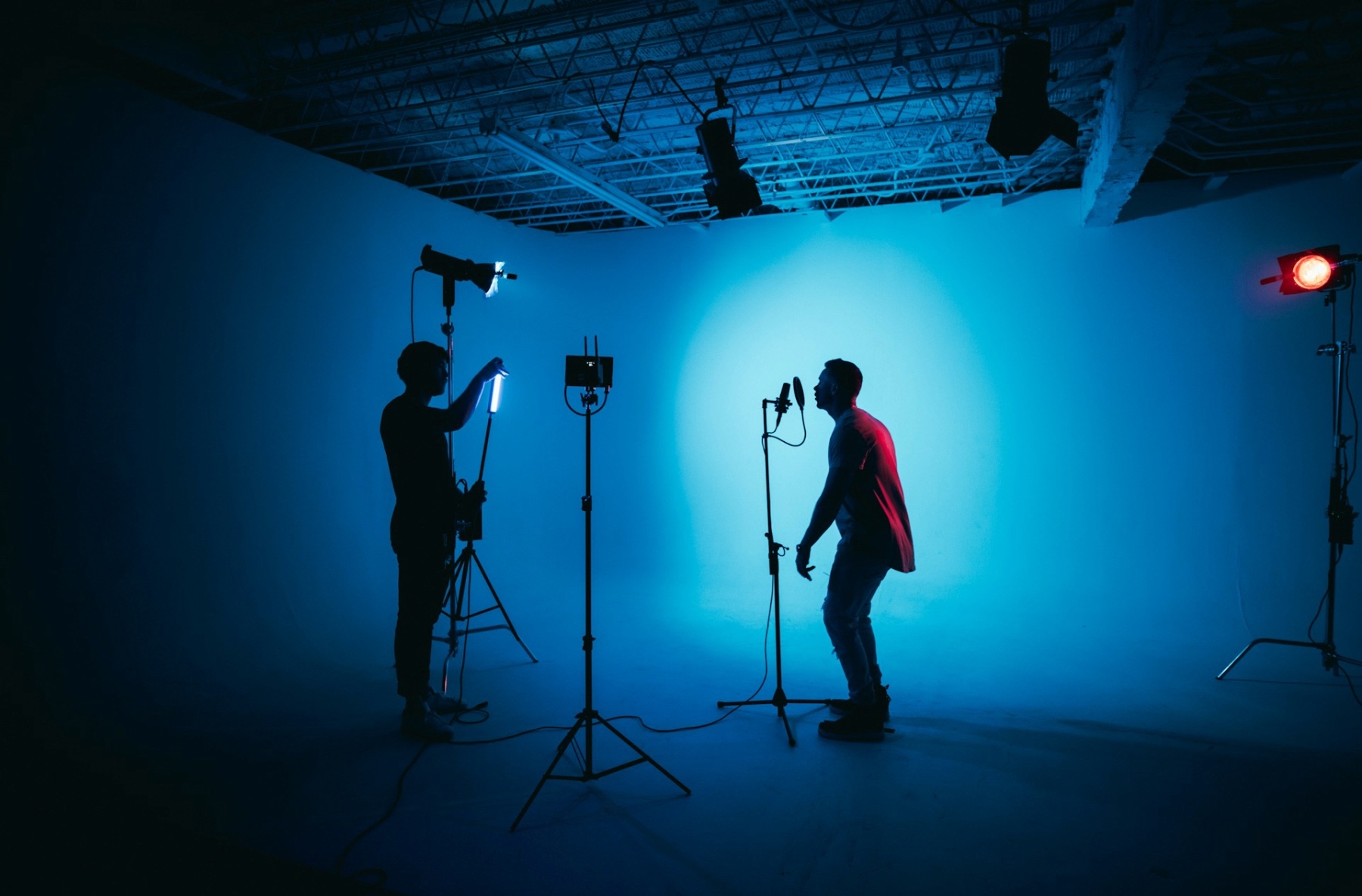

Music discovery is no longer just about sound. Today, most listeners encounter new music through screens first. Social media feeds, streaming platforms and video apps all prioritise visual content, which means strong visuals play a major role in whether someone stops scrolling and presses play.
Visuals help give music context. They communicate mood, genre and personality before a listener hears a single note. A well-designed visual can make a track feel more professional, more intentional and more memorable. For independent artists, visuals are often the first impression. They also help build identity. Consistent artwork, colours and video style make it easier for listeners to recognise you across platforms. Over time, this visual consistency becomes part of your brand as an artist.
Creating effective visuals doesn’t require a huge budget or a professional film crew. With the right tools and a clear idea, musicians can produce compelling visuals that support their music and strengthen promotion across streaming services and social media.
Types of Visuals Musicians Can Create
There isn’t one single type of visual that works for every artist or release. Different formats serve different purposes, and understanding how they fit together helps you promote your music more effectively.
Album and single artwork
Artwork is often the first visual listeners associate with a release. It sets expectations for the sound and style of the music. Strong artwork is clear, readable at small sizes and consistent with your wider visual identity.
Music videos
Music videos offer the most creative freedom. They can be performance-based, narrative-driven or abstract. While full videos take more time and planning, they create strong emotional connections and work well on platforms like YouTube.
Lyric videos
Lyric videos are a practical alternative to full music videos. They’re easier to produce and help listeners connect with the song’s message. Simple typography, subtle animation and timing that matches the vocals often work best.
Visualisers and animated loops
Visualisers are short, looping animations that react to the music. These are popular on streaming platforms and social media, especially for electronic and instrumental music. They keep visuals moving without requiring complex storytelling.
Social media visuals and clips
Short-form visuals are essential for promotion. These can include teaser clips, behind-the-scenes edits, countdown posts or looping animations formatted for vertical video.
Live performance visuals
For DJs and live artists, visuals can enhance shows and reinforce identity. Even simple animated backgrounds or logo loops can add impact on stage.
Each type of visual serves a different role. Using a mix of formats helps your music feel more present and engaging across platforms.
Defining Your Visual Identity

Before you start creating visuals, it helps to define a clear visual identity. This is the look and feel that ties all your content together and makes your music instantly recognisable.
Your visual identity should reflect the mood, genre and personality of your music. Dark, minimal visuals might suit ambient or techno. Bright colours and bold typography often work well for pop or upbeat electronic music. There’s no right or wrong style, but consistency is key.
Start by choosing a small set of visual elements you can reuse:
- A colour palette (two to four colours is enough)
- One or two fonts that fit your sound
- A general visual mood (clean, gritty, cinematic, playful, abstract)
Reference other artists for inspiration, but avoid copying directly. The goal is to understand what works in your genre and adapt it in a way that feels authentic to you.
Consistency across platforms matters. Your artwork, social clips, lyric videos and profile images should feel connected, even if they’re not identical. When visuals are aligned, your music feels more professional and easier for listeners to remember.
Tip:
If someone saw your visuals without hearing the music, they should still get a sense of your sound and style.
Beginner-Friendly Tools for Creating Music Visuals
You don’t need advanced design skills or expensive software to create effective visuals. Many tools are built specifically for beginners and independent artists, making it easy to produce professional-looking content with minimal setup.
Design tools for artwork and graphics
Design platforms like Canva and Figma are ideal for creating album artwork, social posts and thumbnails. They offer templates, drag-and-drop layouts and built-in fonts that help you stay consistent. These tools are especially useful if you want clean, simple designs without learning complex software.
More advanced tools like Photoshop give you greater control over image editing and layering, but they’re optional. Starting simple is often better than overcomplicating your visuals.
Video tools for music visuals
For moving visuals, tools like CapCut and Adobe Premiere Pro are popular choices. CapCut is quick and beginner-friendly, making it great for short social clips and lyric videos. Premiere Pro offers more flexibility for longer-form videos and detailed edits once you’re comfortable.
If you want animated graphics or more abstract visuals, tools like After Effects allow you to create visualisers, motion text and looping animations. Even basic templates can go a long way.
Visualiser and animation tools
Music visualiser software and template-based animation tools let you create visuals that react to your music automatically. These are perfect for streaming platforms, YouTube uploads and social media loops when you don’t want to film original footage.
Tip:
Choose tools based on what you actually need. Simple visuals used consistently are far more effective than complex visuals used once.
Creating Simple Visuals with Big Impact

When it comes to music visuals, simple ideas executed well often have the strongest impact. You don’t need complex animations or heavy effects to grab attention. In fact, overly busy visuals can distract from the music rather than support it.
Focus on one strong visual idea
A single image, symbol or motion can be enough. This could be a slow-moving background, a subtle animation, or a repeated visual motif that reflects the mood of the track. Keeping the idea focused makes the visual easier to remember.
Use motion to catch attention
Even minimal movement helps stop people scrolling. Slow zooms, light camera shake, animated text or gentle visual pulses synced to the music can make static artwork feel alive.
Match visuals to tempo and mood
Fast cuts and sharp movements suit energetic tracks. Slower fades and smooth motion work better for emotional or atmospheric music. When visuals move in time with the track, they feel intentional rather than random.
Loop visuals cleanly
Loops work especially well on social media and streaming platforms. Make sure the start and end points connect smoothly so the visual can repeat without feeling jarring.
Keep readability in mind
If you include text, such as artist name or song title, make sure it’s easy to read at small sizes. Clear typography often works better than decorative fonts.
Tip:
If a visual still works when muted or viewed for just two seconds, it’s likely strong enough to support your music.
Visuals for Social Media and Promotion

Social media is where visuals have the biggest impact on music promotion. Most platforms are designed for quick, visual-first consumption, so adapting your content to fit each format is essential.
Understand platform formats
Vertical video works best on platforms like TikTok, Instagram Reels and YouTube Shorts. Square or horizontal formats are more suited to feeds, thumbnails and YouTube uploads. Creating visuals with the right aspect ratio avoids awkward cropping and keeps your content looking professional.
Keep it short and engaging
Short clips often perform better than long ones. Focus on the strongest moment of the track, whether it’s a chorus, drop or standout lyric. Pair it with a visual that makes people stop scrolling within the first second or two.
Use visuals to tease releases
Visuals are perfect for building anticipation. Countdown posts, short preview clips, looping animations or behind-the-scenes edits help create momentum before a release. Reusing visual themes across these posts reinforces your identity.
Brand your visuals subtly
Including consistent colours, fonts or a logo helps people recognise your content over time. Branding doesn’t need to be obvious. Subtle repetition is often more effective than bold overlays.
Stay consistent
Posting visuals regularly, even simple ones, keeps your music visible. Consistency builds familiarity, which helps new listeners remember you.
Tip:
Create a small set of reusable templates for social posts. This saves time and keeps your visuals aligned across platforms.
Working with Video and Motion Graphics

At some point, you may want to move beyond static visuals and loops into more developed video content. This doesn’t have to mean a high-budget music video. Motion and storytelling can be simple, effective and achievable on a small setup.
Decide what the video needs to do
Not every track needs a full narrative video. Some songs work best with performance footage, abstract visuals or animated graphics. Think about what suits the mood of the music rather than forcing a concept.
DIY vs collaboration
Creating your own visuals gives you full control and keeps costs low. Many artists start this way using templates or simple edits. Collaborating with visual artists, videographers or motion designers can bring new ideas and skills into the project when budgets allow.
Keep motion intentional
Motion graphics don’t need to be complex. Slow camera moves, animated text, light grain, or subtle visual effects often feel more professional than heavy transitions and filters. The movement should support the music, not overpower it.
Sync visuals to the music
Even basic syncing makes a big difference. Cutting visuals on beats, changes or key moments in the track helps everything feel connected. This applies to both performance footage and abstract visuals.
Plan for reuse
A longer video can be repurposed into shorter clips for social media, teasers or visualisers. Thinking this way from the start saves time and keeps your promotion consistent.
Tip:
If you’re unsure what kind of video to make, start with a simple visualiser or animated artwork. It’s often enough to support a release and can be expanded later.
Common Visual Mistakes Musicians Make

Creating visuals is a learning process, and a few common mistakes can reduce their impact. Being aware of these helps your visuals support your music rather than work against it.
Overloading visuals with effects
Too many filters, transitions or animations can feel distracting and amateur. Simple visuals with a clear idea usually look more professional and let the music lead.
Inconsistent visual identity
Using completely different styles, colours or fonts for every release makes it harder for listeners to recognise you. Consistency builds familiarity and trust over time.
Ignoring platform requirements
Uploading the wrong aspect ratio or low-resolution visuals can make content look sloppy. Always check recommended formats for each platform before exporting.
Low-quality exports
Blurry images, compressed videos or poor lighting can undermine even good ideas. Take a moment to export at the correct resolution and quality.
Visuals that don’t match the music
If the visuals feel disconnected from the sound, they confuse the listener. The goal is alignment. Mood, tempo and style should work together.
Tip:
If your visual feels like it could belong to any song, it probably needs more connection to the music.
Apply to pointblank music school

In today’s music landscape, strong visuals are just as important as strong tracks. At pointblank, artists learn how to build a complete creative identity, combining music production with visual storytelling, branding and digital promotion. Through hands-on projects and real-world briefs, students explore how visuals support releases across streaming platforms and social media.
Whether you choose to study in London, Los Angeles, or online, pointblank’s Music Production degree courses are built to prepare you for the realities of today’s music industry. You’ll develop the skills needed to launch a sustainable career, whether your path leads you to music production, sound engineering, sound design, film and TV composition, or life as a recording artist.
Modern artists wear many hats, and our curriculum reflects that. Alongside creative and technical training, you’ll explore essential areas such as music business, marketing, and branding, helping you become a versatile, industry-ready creative. Explore our courses and start building the skills, confidence, and vision to elevate your music and your brand.
Inspired?
Thanks to the dedication of our industry expert instructors, pointblank has earned a prestigious Gold rating in the Teaching Excellence Framework (TEF), placing us among the very best institutions. Whether you’re passionate about DJing, music production, sound engineering, vocal performance, software engineering, radio, or songwriting, pointblank offers degrees or short courses in London, LA, Ibiza, and Online. No matter your location or aspirations, we are here to help make your dreams a reality.
Register to Access Free Courses, Plugins, Projects, Samples & More
Create a pointblank account with the orange button below and visit our Free Stuff page to get your hands on a range of free courses, exclusive music-making tools, and tutorials provided by the team.

