

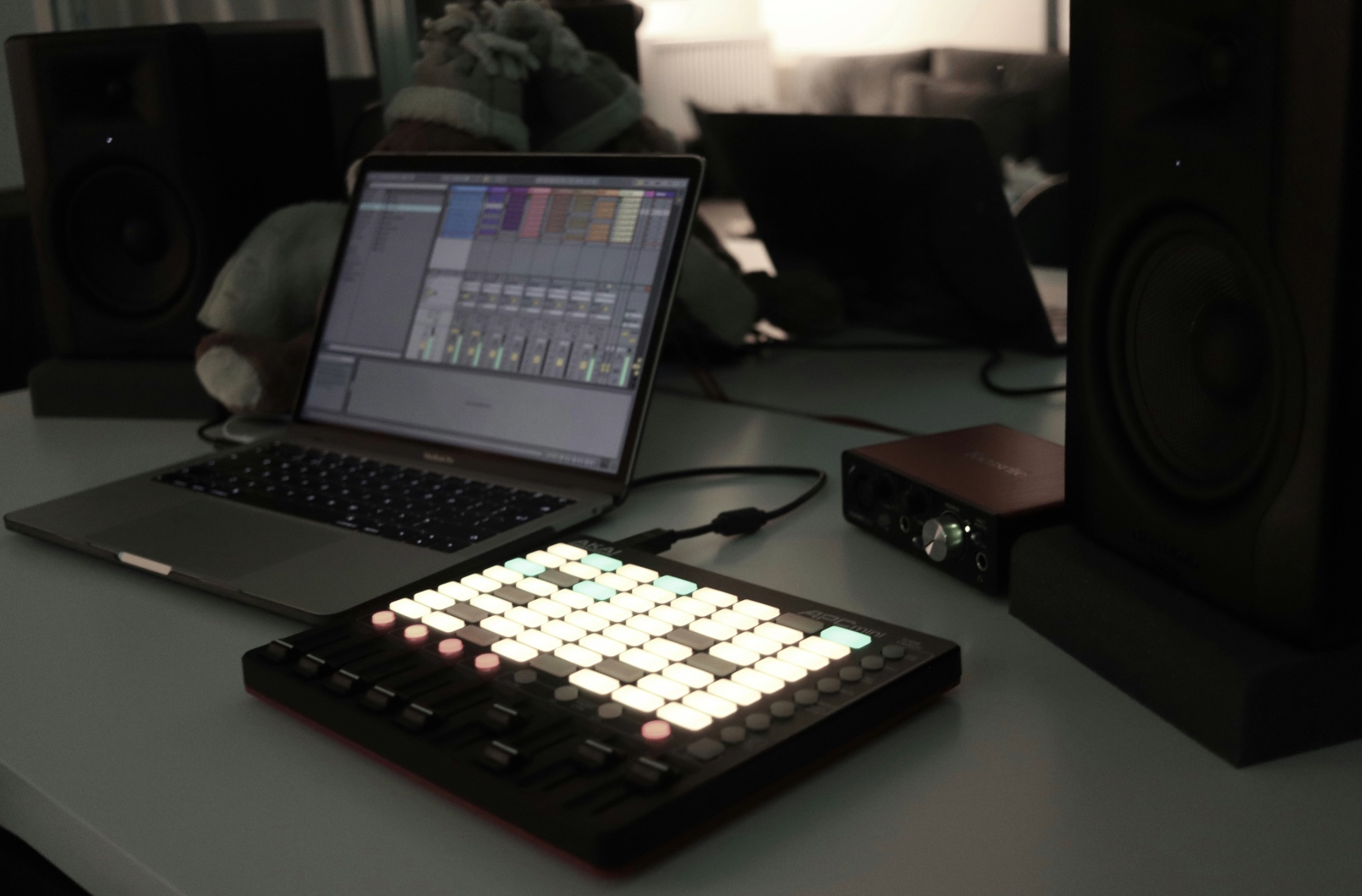

Loops sit at the heart of modern music. Whether you’re making electronic, hip-hop, pop, lo-fi or dance, most tracks begin as a simple 4- or 8-bar idea. Starting with a loop helps you focus on rhythm, groove and mood before thinking about full arrangement or detailed sound design. Loops also give beginners momentum. Instead of staring at an empty DAW with no direction, you create a short section that sounds good, and then build the track around it. This makes the writing process feel faster and less overwhelming, especially when working from home.
Producers at every level use loop-based workflows. Beatmakers start with drum patterns. Electronic producers build chord loops and synth riffs. Pop production often begins with a melodic loop or a rhythmic hook. Once that core idea feels right, everything else like basslines, melody variations, transitions, and full structure, comes naturally.
Start with a Core Loop (Drums or Melody)
Every loop-based track starts with a main idea. It doesn’t matter whether it’s rhythmic or melodic. The goal is simply to create a short, repeating section that sets the tone for the whole track. Most producers start with one of two foundations: drums or chords/melody.
Starting with drums
A drum loop immediately defines the energy and groove. It’s perfect for genres driven by rhythm, like house, techno, hip-hop, or trap. Begin with a kick pattern, add a snare or clap, and layer in hi-hats or percussion to shape the feel. Once the groove works, you’ll find it easier to add chords, basslines and hooks around it.
Starting with chords or melody
If you’re making pop, lo-fi, R&B or melodic electronic music, starting with a chord progression or a simple riff works well. Keep it simple: a four-chord loop or an 8-bar riff is enough to inspire the rest of the song. Choose sounds that match the vibe you want like warm pads, plucked synths, soft keys, textured guitars or vocal chops.
Choosing tempo and mood
Your loop should match the emotion you want to create. Higher tempos give more energy. Slower tempos feel more relaxed. Pick a BPM early so your drum hits and loop timing feel consistent.
Tip:
Don’t overthink the first idea. A good loop is often very simple. Complexity can come later through layering and arrangement.
Layering New Elements Over the Loop

Once your core loop feels solid, it’s time to start building around it. This is where your track begins to take shape. Layering adds depth, contrast and musical movement without changing the core idea.
Add a bassline to anchor the groove
A good bassline doesn’t need to be complex. Follow the root notes of your chords or match the rhythm of your drums. Short, punchy bass works well for upbeat genres; long, warm notes suit ambient or lo-fi tracks.
Introduce supporting melodies or textures
Add small melodic ideas that complement your main loop. These could be:
Keep these layers light. They’re meant to enhance the loop, not compete with it.
Percussion and rhythm layers
Even if you started with drums, extra percussion can make the loop feel more interesting. Try shakers, bongos, rim shots or subtle rhythmic textures. These add groove without overcrowding the mix.
Keep frequency balance in mind
Each new element should fit in its own space. If your chords are warm and mid-heavy, add a bright element on top or a deep element underneath. This helps the loop feel full without becoming muddy.
Tip:
Mute any layer that doesn’t add something meaningful. Loop-based tracks sound best when every part has a purpose.
Creating Variation to Avoid Loop Fatigue

A strong loop can carry a track, but if it never changes, listeners quickly lose interest. The key to loop-based production is adding small variations that keep the music moving while staying true to the original idea.
Change the drum pattern slightly
Even a tiny shift can make a big difference. Try:
- Adding or removing a hi-hat
- Switching the snare position for one bar
- Using a fill at the end of every 8 or 16 bars
These changes create momentum without rewriting the whole loop.
Modify chords or melody for contrast
Keep your main loop intact, but introduce subtle differences:
- Change the melody rhythm in every second or fourth bar
- Use a variation during the chorus or drop
This keeps the music feeling fresh while staying cohesive.
Use stretching, reversing or pitching
Transform a sound while keeping its essence:
- Time-stretch a vocal chop for an atmospheric layer
- Reverse a chord for a transition
- Pitch a melody loop up or down for a new section
These changes create emotional shifts without adding new instruments.
Add automation for movement
Automation is a simple way to evolve a loop over time:
- Open a filter gradually during a build
- Add reverb in breakdowns
- Increase delay feedback for tension
- Automate volume swells for dynamics
These moves add excitement and keep the listener engaged.
Tip:
Variation doesn’t mean complexity; one small change every 8 or 16 bars is often enough.
Turning Loops Into an Arrangement

A great loop is only the starting point. To turn it into a finished track, you need to shape it into a structure that rises, falls and keeps the listener engaged. Arrangement is where the loop becomes a song.
Start by organising your loop into core sections
Begin with a simple framework:
- Intro: Light elements, setting the mood
- Verse or first section: Main loop with fewer layers
- Build-up: Add movement, rising tension
- Chorus or drop: Full loop with maximum energy
- Breakdown: Strip back for contrast
- Outro: Gradually reduce elements
Even electronic and beat-driven genres follow these patterns.
Use subtractive arrangement
One of the easiest ways to build a track is to start with the full loop and remove elements to form different sections. For example:
- Build-up: add filter automation
- Chorus: bring everything back
- Breakdown: isolate chords or vocals
This approach keeps the track consistent while giving each section its own identity.
Create transitions between sections
Transitions help guide the listener smoothly from one part of the track to the next. Try adding:
These small touches add polish and professionalism to your arrangement.
Let energy levels rise and fall
Good arrangements feel like a journey. Alternate between high-energy and low-energy moments so the track breathes and builds naturally.
Tip:
If you’re stuck, duplicate your loop across the timeline, mute different parts and shape rises and falls with automation. A full arrangement often forms itself.
Processing Loops for Cohesion and Clarity

When you’re working with loops, especially if they come from different sources, processing becomes essential. EQ, compression and effects help glue everything together so the track feels like a single piece of music rather than a collection of samples.
EQ to carve space
Every sound occupies part of the frequency spectrum. If loops overlap too much, the mix becomes muddy. Use EQ to:
- Reduce low-end rumble in pads or melodies
- Clear boxy mids from loops that feel crowded
- Add subtle high-end to brighten dull samples
- Create space for the kick and bass
Even small EQ moves help loops sit together more naturally.
Compression for groove and glue
Compression can help different loop layers feel cohesive. Try:
- Light compression on drums for more punch
- Sidechain compression on pads or bass to let the kick cut through
- Bus compression to glue multiple loops into a single “grouped” sound
Compression should enhance the groove, not flatten it.
Saturation for warmth
Saturation adds harmonics, making samples feel richer and warmer. It can help blend digital loops or add character to sterile sounds. Use it lightly on:
Reverb and delay for depth
Reverb and delay make loops feel like they’re in the same space. Use short reverbs for cohesion, and longer reverbs or delays for atmosphere. Just avoid overusing them, especially on low-end elements.
Tip:
Group similar elements (like drums or synths) and process the bus. This helps everything blend without needing heavy processing on each track.
Adding Original Elements for Identity

Loops are a great starting point, but the elements you add on top are what make the track feel personal and unique. Even a simple hook or sound choice can turn a loop-based beat into something that stands out.
Create a memorable hook
Hooks don’t need to be complex. A short synth melody, vocal chop or repeating phrase can instantly give your track identity. Try:
- A filtered pad swelling into the chorus
Consistency is more important than complexity.
Record or resample your own sounds
Adding your own textures instantly separates your track from loop pack users. You can record:
- Percussive hits around the house
- Ambient room noise for transitions
These small additions create a sense of authenticity.
Use FX and automation creatively
FX changes add personality without clutter:
- Reverb tails before a drop
- Delay throws on vocal chops
These moments highlight your style and keep the ear engaged.
Add secondary melodies and countermelodies
A secondary part, like an arpeggio or rhythmic pluck, can support your main loop and add depth. Just make sure it doesn’t overpower the main hook.
Tip:
If you’re using popular loop packs, your original elements are what stop your track from sounding like everyone else’s. Even one unique part makes all the difference.
Common Mistakes to Avoid
Loop-based production is fast and fun, but there are a few pitfalls that can hold your tracks back. Avoiding these mistakes will make your music cleaner, more dynamic and more original.
- Repeating the same loop without variation
Even the best loop becomes boring if it never changes. Add fills, mute layers, or use automation to keep the track evolving. - Overloading the mix with too many layers
When every loop fights for attention, the track feels cluttered. Focus on a few strong parts rather than stacking dozens of similar sounds. - Ignoring arrangement
A loop is not a song. Without structure (intro, build, drop, breakdown), the track feels unfinished. Use sections to create contrast and emotion. - Using loops “as is” with no personal touches
Drag-and-drop tracks rarely stand out. Even small changes like chopping, reversing, pitching, or adding original hooks make the music feel like yours. - Clashing frequencies
Multiple loops from different packs can overlap in the same frequency range. EQ and saturation help blend them so the mix feels cohesive. - Relying too heavily on FX to fix problems
If a loop doesn’t fit, processing won’t always solve it. Sometimes the best move is choosing a different sound.
A strong loop is only the beginning. The creativity comes from how you shape it, evolve it and turn it into a story.
Loop-based production is one of the fastest and most inspiring ways to build full tracks from scratch. At pointblank, you learn how to take a simple 4- or 8-bar idea and turn it into a complete song using professional workflows, hands-on DAW training and guidance from experienced producers. You’ll experiment with drums, chords, basslines, vocal chops and automation, and get real feedback on how to make your loops evolve into polished, release-ready tracks.
If music production hacks like this excite you, why not take it even further with our BA (Hons) Music Production & Sound Engineering degree? You’ll learn how to craft professional-quality tracks, develop a distinctive sound, and gain hands-on experience with the techniques top producers use every day.
You’ll study in state-of-the-art facilities featuring a legendary 32-channel Rupert Neve 5088, a 48-channel SSL Duality Delta, two 32-channel SSL Origin large-format consoles, Dolby-certified studios, and industry-standard outboard gear. With access to the same professional equipment used in top-tier studios, you’ll gain hands-on experience in every stage of recording and mixing, preparing you to step into the music industry with real-world readiness and creative momentum.
Inspired?
Thanks to the dedication of our industry expert instructors, pointblank has earned a prestigious Gold rating in the Teaching Excellence Framework (TEF), placing us among the very best institutions. Whether you’re passionate about DJing, music production, sound engineering, vocal performance, software engineering, radio, or songwriting, pointblank offers degrees or short courses in London, LA, Ibiza, and Online. No matter your location or aspirations, we are here to help make your dreams a reality.
Register to Access Free Courses, Plugins, Projects, Samples & More
Create a pointblank account with the orange button below and visit our Free Stuff page to get your hands on a range of free courses, exclusive music-making tools, and tutorials provided by the team.

