

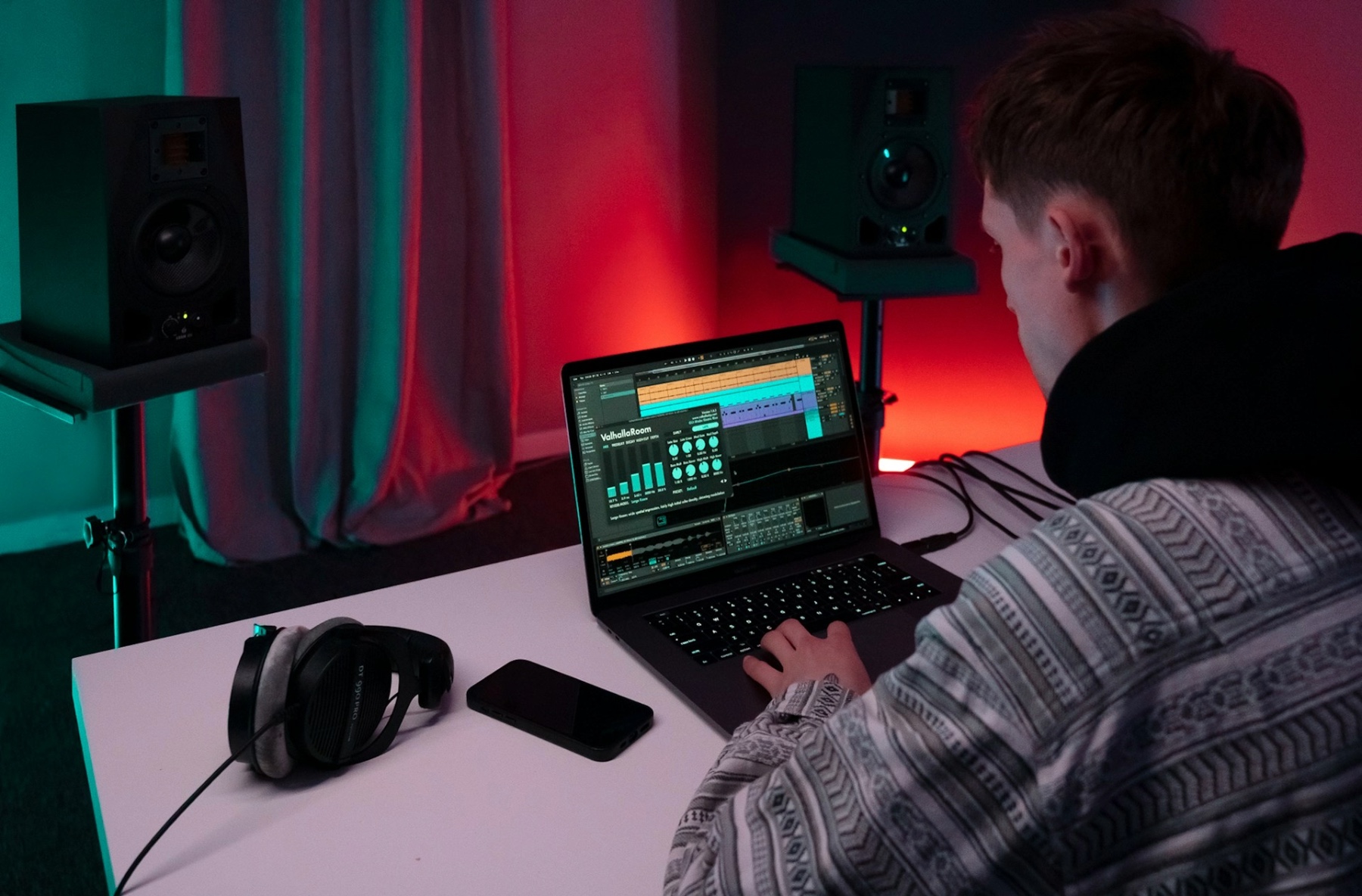

Ambient music is all about atmosphere. Instead of focusing on catchy hooks or driving beats, it creates mood through evolving sound, space and subtle movement. The most powerful ambient tracks feel immersive, almost like stepping into a different environment, and this effect comes from one core skill: layering rich textures.
For producers, learning how to build depth without clutter is what separates flat ambient tracks from those that feel cinematic and alive. This guide explores practical techniques for creating rich, layered textures in ambient music. You will learn how to choose the right sound sources, stack them with purpose, and shape them into soundscapes that feel wide, emotional and immersive.
By the end, you will have a clear understanding of how to approach ambient production with confidence, whether you are creating chill soundscapes, cinematic atmospheres, or experimental electronic music.
What Are Textures in Ambient Music?
In ambient music, texture is the overall feel and surface of the sound. It is the blend of tones, layers, movement, and space that creates atmosphere. Instead of a clear melody or strong rhythm leading the track, textures take centre stage and shape how the listener experiences the music.
A texture can be smooth and airy, rough and distorted, warm and comforting, or dark and uneasy. It might be created using pads, drones, field recordings, soft piano notes, processed noise, or evolving synth sounds. When these elements are layered with intention, they form a soundscape that feels deep and continuous rather than empty or repetitive.
Good ambient textures usually have three key qualities:
First, they evolve over time. Even subtle changes in tone, filter movement, or volume help keep the sound interesting without becoming distracting.
Second, they fill space naturally. This does not mean using lots of sounds at once. It means placing each layer where it belongs in the mix so everything feels balanced and wide.
Third, they create emotion. Textures should support the mood of the track, whether that mood is calm, mysterious, uplifting, or reflective.
Understanding textures is the foundation of ambient music production. Once you grasp how sounds interact and blend, you can start building layers that feel rich, immersive, and meaningful.
Choosing the Right Sound Sources for Ambient Layers

The foundation of rich ambient textures starts with the sounds you choose. Not every instrument or sample works well for ambient music. The goal is to select sources that feel open, flexible, and capable of evolving over time.
Start with pads and drones
Pads and drones are the backbone of most ambient tracks. Look for sounds with slow attack times, gentle movement, and plenty of sustain. Synths like wavetable, granular, and analogue-style instruments are ideal because they naturally create smooth, flowing tones that sit well in the background.
Instead of using one pad sound, try stacking two or three with different characteristics, such as one warm and low, one bright and airy, and one subtle and noisy. This creates depth without relying on volume alone.
Use organic and real-world sounds
Field recordings, environmental noise, and found sounds add realism and emotion to ambient textures. Sounds like wind, rain, distant traffic, footsteps, or room tone can be processed with reverb and delay to form subtle layers that make your track feel alive.
These organic elements prevent your music from sounding too synthetic and help build an immersive atmosphere.
Introduce tonal instruments sparingly
Soft piano, bowed strings, mallets, and slow guitar swells can sit beautifully within ambient layers. Use them as accents or gentle motifs rather than dominant leads. The aim is to support the soundscape, not overpower it.
Think in layers, not loops
When selecting sounds, consider how they will interact across time. Choose sources that complement each other and allow for gradual change. Sounds with built-in modulation or evolving harmonics work especially well for this.
By carefully choosing your sound sources, you create the raw materials needed to build rich, atmospheric layers that form the heart of ambient music.
Layering Techniques for Depth and Movement

Once you have the right sound sources, the next step is learning how to stack them in a way that feels wide, deep, and constantly evolving. This is where ambient music really comes to life.
Build from the bottom up
Start with a solid base layer. This could be a low drone, a deep pad, or a filtered noise bed. This layer sets the mood and fills the low and mid frequencies. From there, gradually add higher layers that bring air and detail to the soundscape.
Think of it like building a landscape. The base is the ground, the mid layers are the hills, and the top layers are the mist and atmosphere above it.
Use volume and automation for movement
Static layers quickly become boring in ambient music. Instead of letting sounds sit at the same level, automate volume, filter cutoffs, and effects over time. Small changes make a big difference.
For example, slowly fading a pad in and out or gently opening a filter across several bars can keep the listener engaged without feeling distracting. Subtle movement is the key.
Pan sounds to create space
Panning plays a huge role in texture design. Place different layers across the stereo field so they do not all sit in the centre. One pad slightly left, a texture loop slightly right, and a drone in the middle creates a wide and immersive feel.
This simple step helps avoid clutter and gives your track a more professional, spacious sound.
Combine contrast and harmony
Try layering sounds that contrast in tone but still feel connected. A warm analogue pad paired with a grainy, digital texture can be surprisingly effective. The contrast adds interest, while shared key and tempo keep everything cohesive.
Let layers evolve over time
Instead of looping the same textures endlessly, introduce slow changes. Swap sounds, fade new layers in, or remove old ones as the track progresses. This gives your ambient music a sense of journey rather than repetition.
Mastering these layering techniques will help you create soundscapes that feel rich, immersive, and emotionally engaging.
Using Effects to Enhance Ambient Texture

Effects are what turn simple layers into immersive ambient soundscapes. In this genre, effects are not just finishing touches. They are part of the creative process and shape the emotion and movement of the track.
Reverb for depth and atmosphere
Reverb is essential in ambient music. Large, lush reverbs help create the feeling of space and distance. Instead of using one single reverb on everything, try different reverb sizes for different layers. A wide hall reverb can sit behind a lead texture, while a softer room reverb can support background elements.
When using reverb, adjust the decay and wet level carefully. Too much can blur the mix, but the right balance adds softness and air.
Delay for subtle motion
Delay works best when used gently. Slow, feedback-based delays can create a sense of echo and flow without feeling rhythmic. Try experimenting with ping pong delays or very short delays to add width and complexity to pads and textures.
Automating delay feedback over time can also introduce evolving movement that keeps the listener engaged.
Modulation effects for organic feel
Chorus, phaser, and flanger effects help add gentle movement and character. These are useful for pads and drones that might otherwise feel too static. A slow chorus can make a simple sound feel wider and more alive.
The goal is not obvious effect changes. It is smooth, natural movement that feels almost unnoticeable but emotionally rich.
Filtering and EQ shaping
Filters are powerful tools for creating transitions and development. Slowly opening or closing a low pass filter can change the mood of a track without adding new elements. This technique is perfect for building tension or creating a calming release.
Use EQ to carve out space for each layer. Removing unnecessary low frequencies from higher textures keeps the mix clean and balanced.
Effects as part of the composition
In ambient production, effects can become part of the sound itself. Try resampling a heavily processed layer and using it as a new texture. This approach lets you build complex, evolving soundscapes that feel unique and personal.
When used with intention, effects transform your ambient track from a collection of sounds into a cinematic listening experience.
Arranging Ambient Tracks for Flow and Emotion

Arrangement is where your layered textures come together and start to feel like a complete piece of music. In ambient production, the goal is not big drops or sudden changes. It is about creating a smooth journey that feels natural and emotionally engaging.
Think in long movements, not sections
Ambient tracks work best when they evolve slowly. Instead of clear verses and choruses, focus on gentle shifts in mood. Introduce new layers gradually and let others fade out over time. This keeps the listener engaged without breaking the calm atmosphere.
A good approach is to start simple, build into a fuller sound, then slowly strip things back again. This creates a sense of progression without feeling forced.
Use automation to guide emotion
Automation is key to making ambient music feel alive. Small changes in volume, filter cutoff, reverb levels, or stereo width can make a big emotional impact over time. Slow automation helps sounds breathe and change naturally.
Try automating parameters so the track feels like it is unfolding rather than repeating.
Build tension and release gently
Tension in ambient music is subtle. It might come from a rising pad, a slowly opening filter, or a growing drone. Release can be achieved by pulling layers away, softening the sound, or introducing more space and silence.
These changes should feel smooth and almost subconscious to the listener.
Create moments of space
Silence and minimal sections are just as important as full textures. Giving the track room to breathe makes the more detailed moments feel more powerful. This balance keeps the listener emotionally connected from start to finish.
Keep the listener immersed
The best ambient arrangements feel like a journey. Focus on consistency, flow, and emotional tone. Every layer should support the mood you want to create, whether that is calm, dreamlike, or introspective.
Mixing Techniques for Clear and Balanced Ambient Layers

Once your ambient layers are in place, the next step is making sure they sit together in a clean and natural way. Good mixing keeps your track immersive without sounding muddy or overwhelming.
Control the low end early
Start by checking the low frequencies of each sound. Pads, drones, and bass textures can easily clash here. Use gentle high-pass filtering on layers that do not need deep lows. This frees up space and stops the mix from feeling heavy or unfocused.
Use EQ to create space
Instead of boosting lots of frequencies, focus on removing what is not needed. Small cuts in crowded areas like the low mids can make a big difference. This helps each texture breathe and keeps the overall sound smooth.
Keep dynamics soft and natural
Ambient music usually benefits from light compression, if any at all. The aim is smooth movement, not punch. If you do use compression, keep the settings subtle so the sound stays open and calming.
Balance with volume first
Do not rely on effects to fix level issues. Set your volume levels so each layer feels present without overpowering others. A well-balanced mix will already sound clear before adding heavy processing.
Use reverb with intention
Reverb is essential in ambient music but it can quickly blur your mix. Try using one or two main reverbs instead of a different one on every track. This creates a shared sense of space and keeps things cohesive.
Control the reverb tail so it enhances the mood without washing out important detail.
Check in mono and low volume
Listening in mono helps reveal frequency clashes you might miss in stereo. Checking your mix at low volume also shows whether the balance still feels right. If everything still sounds clear, you are on the right track.
Aim for calm, not perfection
Ambient mixes should feel natural and flowing. Do not over polish. Slight imperfections often add to the organic and emotional feel of the music.
Final Creative Touches to Enhance Depth and Atmosphere

This final stage is where your ambient track comes alive. These subtle techniques add emotion, movement, and character without overcrowding the mix.
Introduce slow modulation
Use gentle modulation to keep sounds evolving over time. Slow LFOs on filter cutoff, pan, or volume create natural movement that feels organic. This prevents long ambient sections from sounding static.
Automate for long form progression
Automation is key in ambient music. Gradually change reverb size, delay feedback, or filter openness across several minutes. This gives your track a sense of journey without needing dramatic structure changes.
Add texture through subtle noise
Light layers of vinyl crackle, wind, field recordings, or tape hiss can add depth and realism. Keep these elements very quiet so they support the mood rather than distract from it.
Use stereo width carefully
Widen pads and background textures to create a spacious feel, but keep key elements like drones or melodies closer to the centre. This balance helps the track feel immersive without losing focus.
Introduce micro-details
Small ear-catching moments make ambient music feel intentional. This could be a reversed piano note, a distant chime, or a filtered vocal fragment. Place these sparingly so they feel special.
Shape emotion with key and harmony
Even minimal harmonic movement can change the emotional tone. Try shifting one note in a chord or introducing gentle dissonance that resolves slowly. These changes keep the listener engaged.
Leave room for silence
Do not be afraid of empty space. Silence and near silence are powerful tools in ambient music. They enhance contrast and allow your textures to feel more meaningful.
Final listening check
Take a break and return with fresh ears. Listen from start to finish without making changes. Ask yourself if the track feels cohesive, calming, or immersive, depending on your goal. Make only small adjustments after this. With these final touches, your layered textures will feel deep, expressive, and professional, ready to support anything from meditation to film scoring.

If you want to elevate your productions to the next level, explore our Music Production & Sound Engineering. Learn how to build professional-quality tracks, develop your own sound, and get hands-on experience with the technique’s top producers use every day.
Inspired?
Thanks to the dedication of our industry expert instructors, pointblank has earned a prestigious Gold rating in the Teaching Excellence Framework (TEF), placing us among the very best institutions. Whether you’re passionate about DJing, music production, sound engineering, vocal performance, software engineering, radio or songwriting – pointblank offers degrees or short courses in London, LA, Ibiza, and Online. No matter your location or aspirations, we are here to help make your dreams a reality.
Register to Access Free Courses, Plugins, Projects, Samples & More
Create a pointblank account with the orange button below and visit our Free Stuff page to get your hands on a range of free courses, exclusive music-making tools and tutorials provided by the team.

